How to Automate Uploading GTA VI Videos in 2026: Guide for Creators
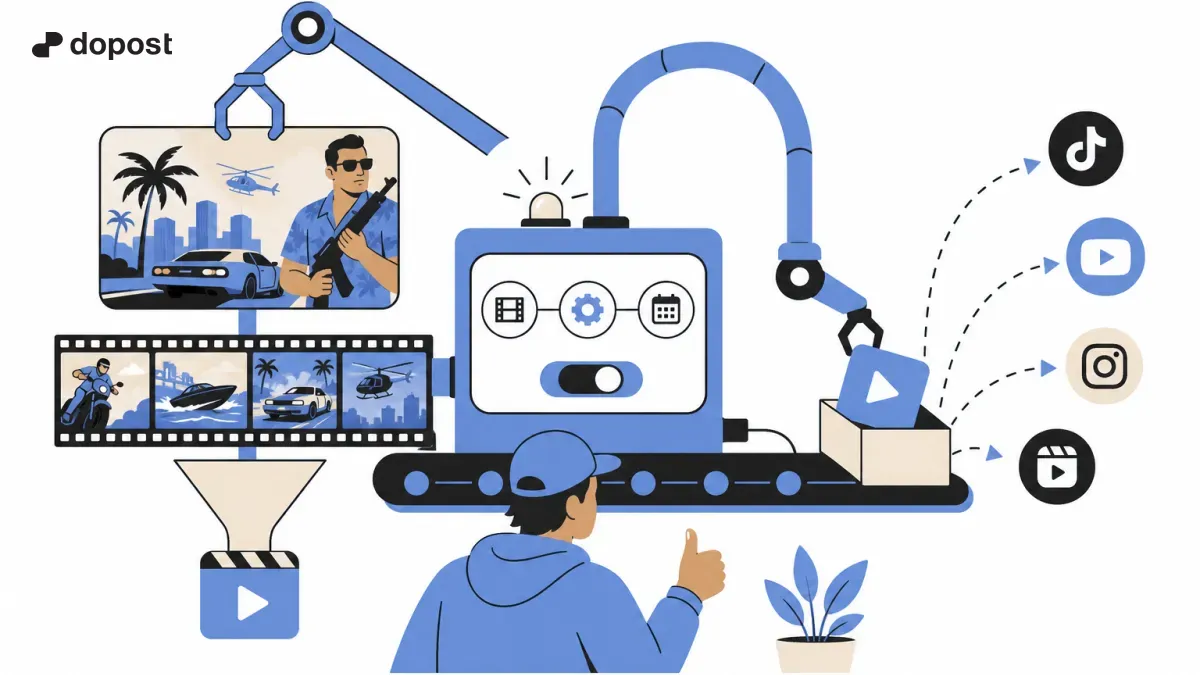
Practical guide for content creators who want to publish about Grand Theft Auto VI without wasting time on repetitive tasks.
GTA VI arrives this week: prepare your flow before the launch
Rockstar maintains the release of Grand Theft Auto VI for November 19, 2026 on PS5 and Xbox Series X|S. If you want to post clips from day one, organize captures, titles, and social media now. The date comes from the official site: Rockstar Games. There is no need to promise viral tricks or features that are not yet available.
1. Capture and select the material
Record your own gameplay with your console's capture tools. Keep the original file and note the exact minute of interesting scenes: chases, map details, funny situations, or comparisons. Avoid downloading and reposting material from other creators without permission. Before using game music on social networks, check the rights and platform rules.
2. Convert a clip into multiple clips
Select moments that can be understood without context. Prepare a vertical 9:16 version for Shorts or Reels and a version that works in posts with text. Include readable subtitles and start with the result or the question: "Have you seen this detail from Vice City?" Do not assume that the same file or duration will work the same on all platforms.
3. Separate the automatic publication edition
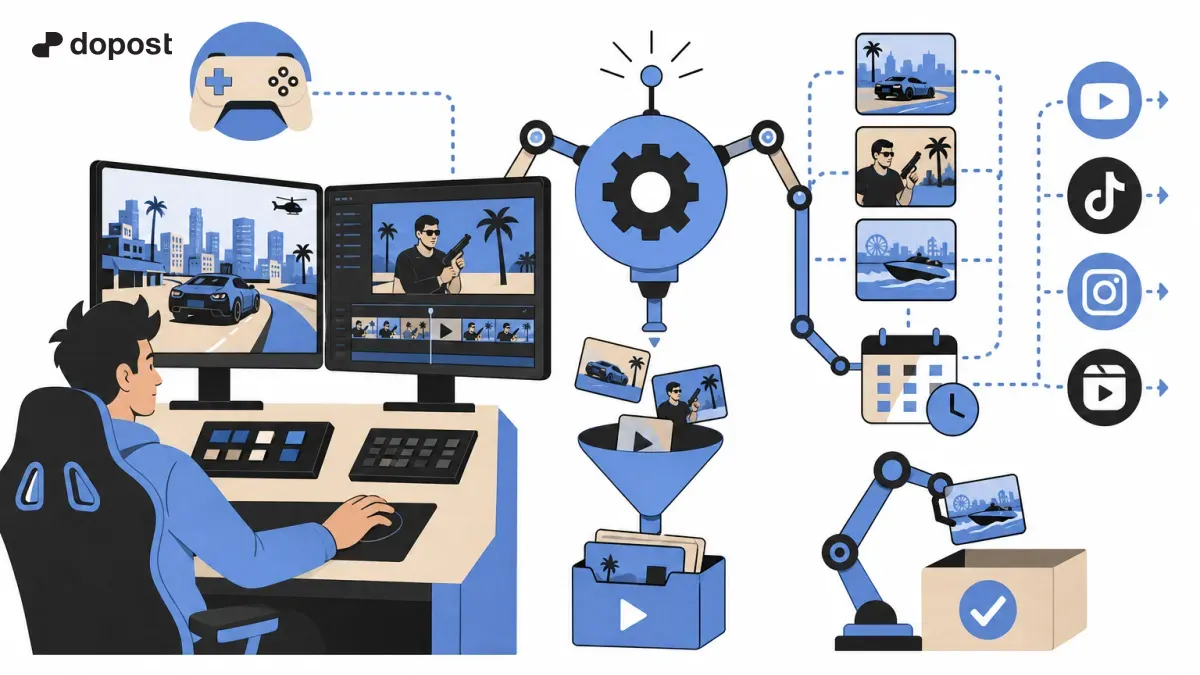
Automating does not mean that a tool can directly extract videos from GTA VI on your console and upload them to all networks. The usual flow is capture → export → editing → storage → scheduling. The availability of video publishing depends on the integrations and permissions of each network. Check the specific support of your tool before setting up a process without human intervention.
4. Use Dopost to organize the distribution
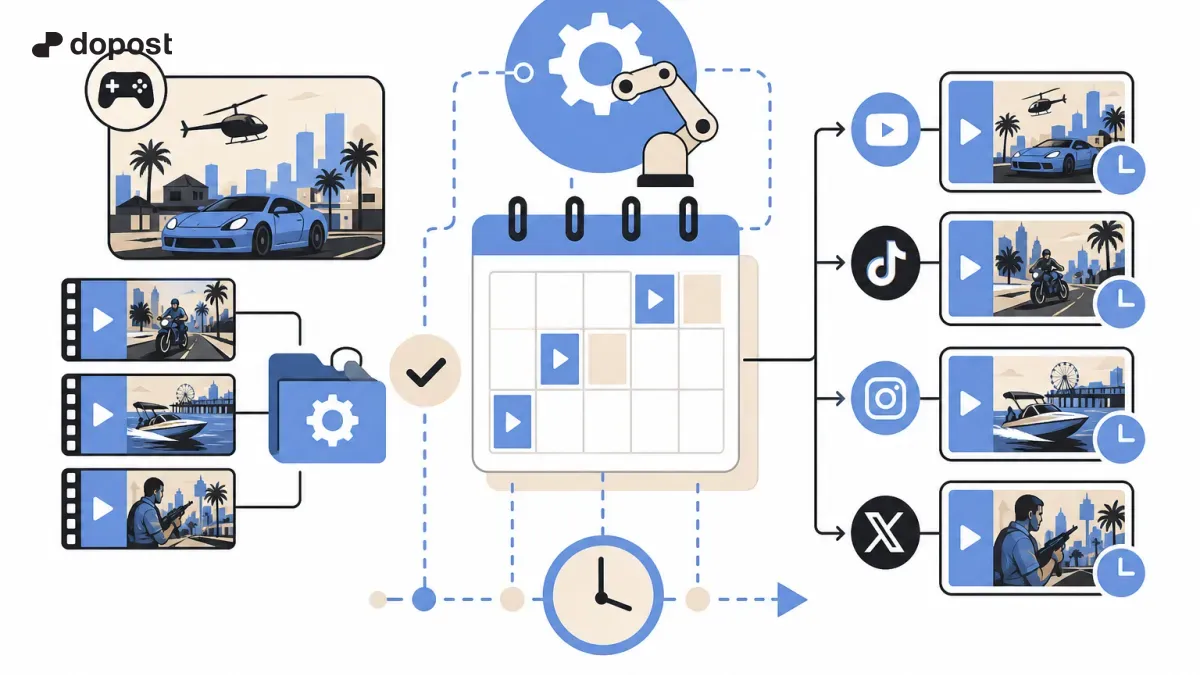
With Dopost you can centralize content planning and schedule posts on the networks compatible with your account. For example, prepare a post on X with the link to the clip, another for Bluesky with a question, and one for LinkedIn about what you have learned creating content. For Reels, TikTok, or YouTube Shorts, check which upload options are available and use their native scheduler when necessary.
5. Build a library of reusable clips
Save each idea with a consistent name: gta-vi-chase-01, gta-vi-map-detail-02, and gta-vi-comparison-03. Add tags by content type, date, and status: pending, edited, reviewed, and published. This way you can retrieve material for a compilation or a follow-up publication.
Common mistakes
Do not post a spoiler in the title without warning. Do not attribute to Dopost an integration you have not verified. Do not upload the same video with a watermark from another platform. Do not believe that scheduling many posts guarantees reach: the quality of the hook, retention, and conversation matter.
Launch Checklist
Before November 19, check the storage space, set up console capture, create subtitle templates, prepare five title ideas, and review publishing permissions. Start with a few clips, measure the response, and repeat the formats that truly generate interest.
Frequently Asked Questions
Can clips be uploaded automatically from PS5? Do not assume a direct connection between the console and a publishing platform. There are usually export and editing steps.
Can I post the same clip on all networks? You can reuse the idea, but it is advisable to adapt the format, copy, and requirements of each platform.
Does Dopost edit videos automatically? This guide does not assume that function: Dopost is used here for compatible planning and distribution.
Start with a simple flow
Organize your ideas, adapt messages to each platform, and try Dopost to plan compatible posts from a single place.