Image Pins
Showcase a product, idea, or article with a visual and description.
Prepare Pins for your products, articles, and seasonal ideas. Choose the right board, add a destination link, and schedule your content.




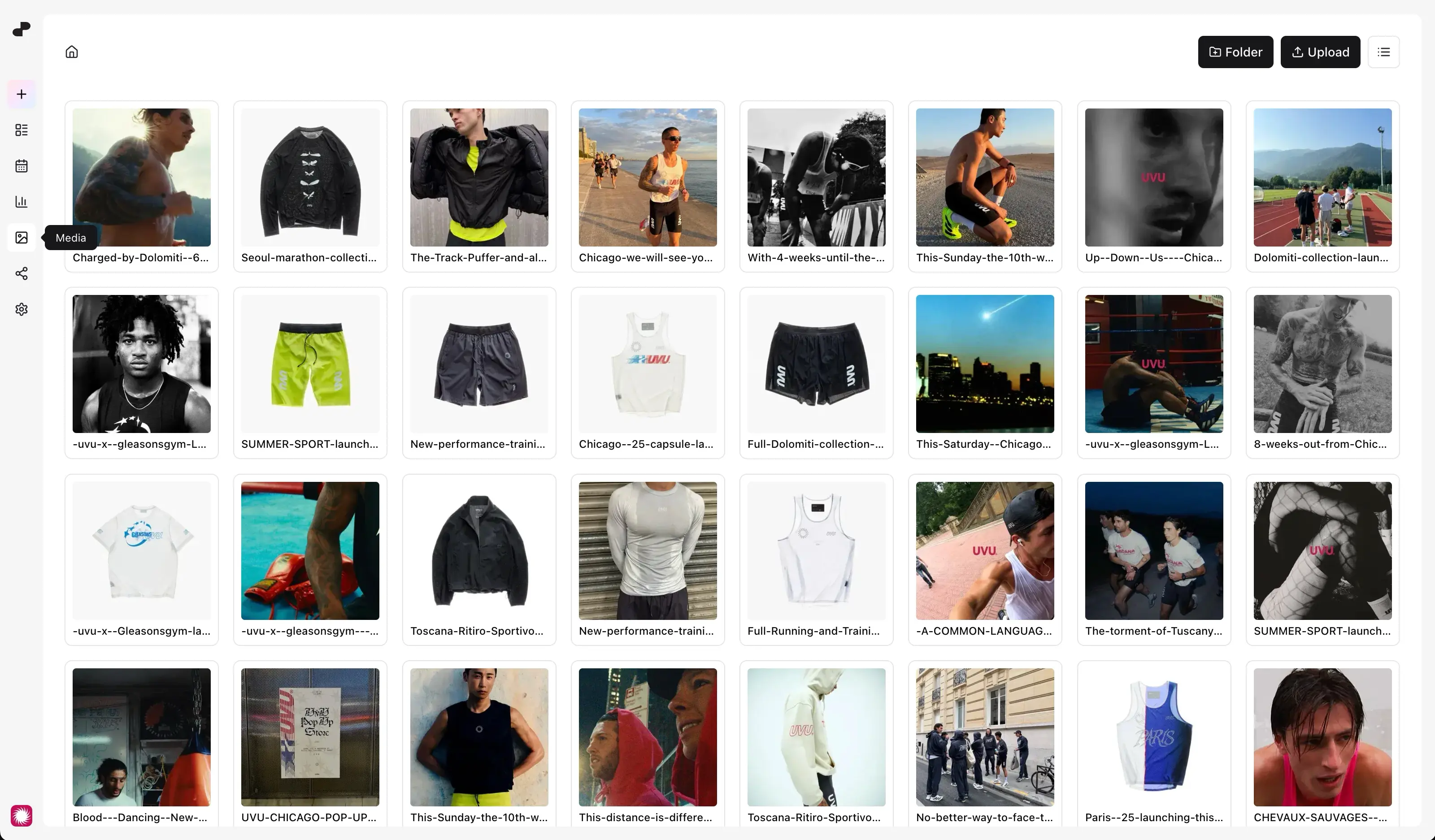
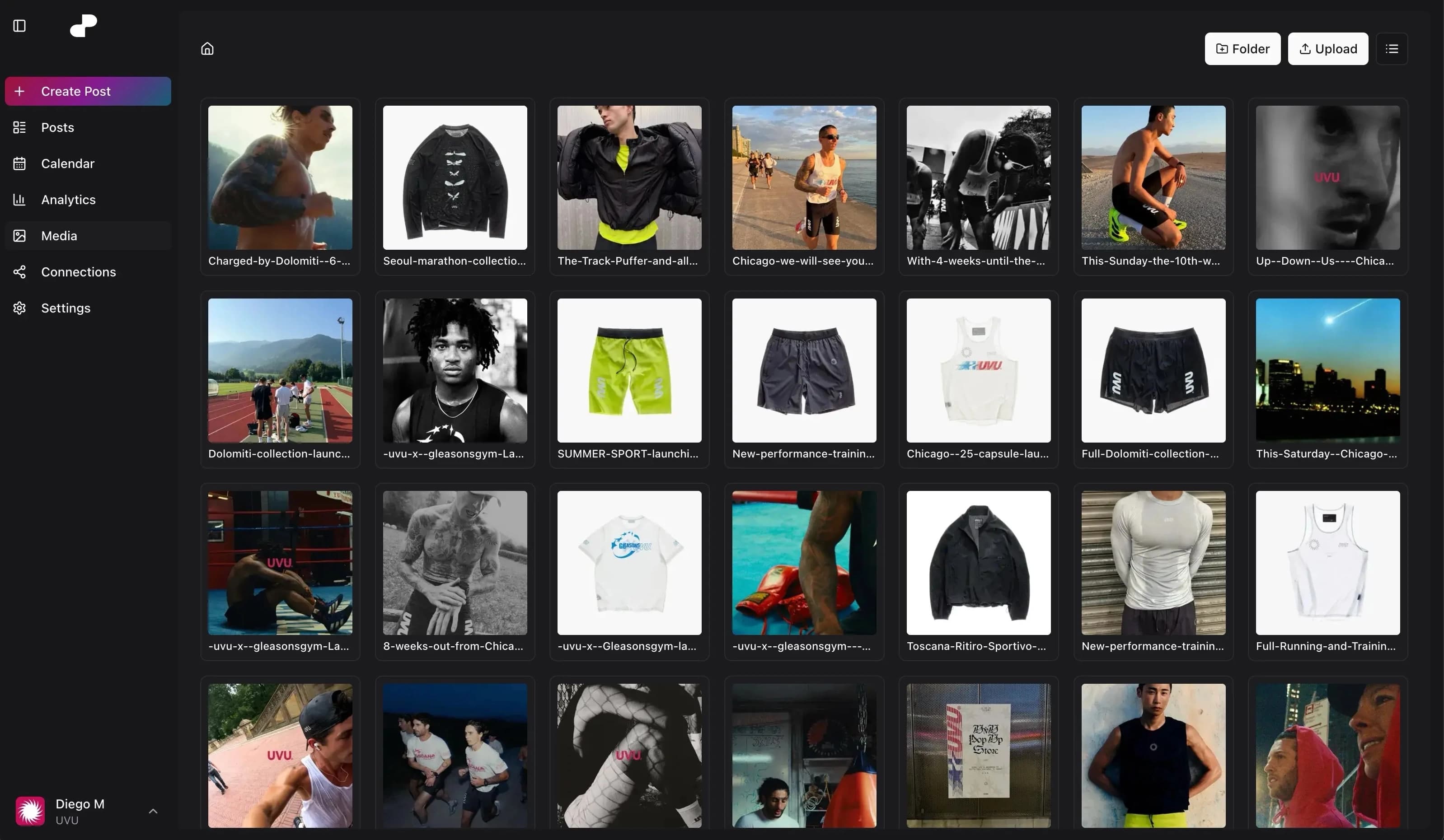
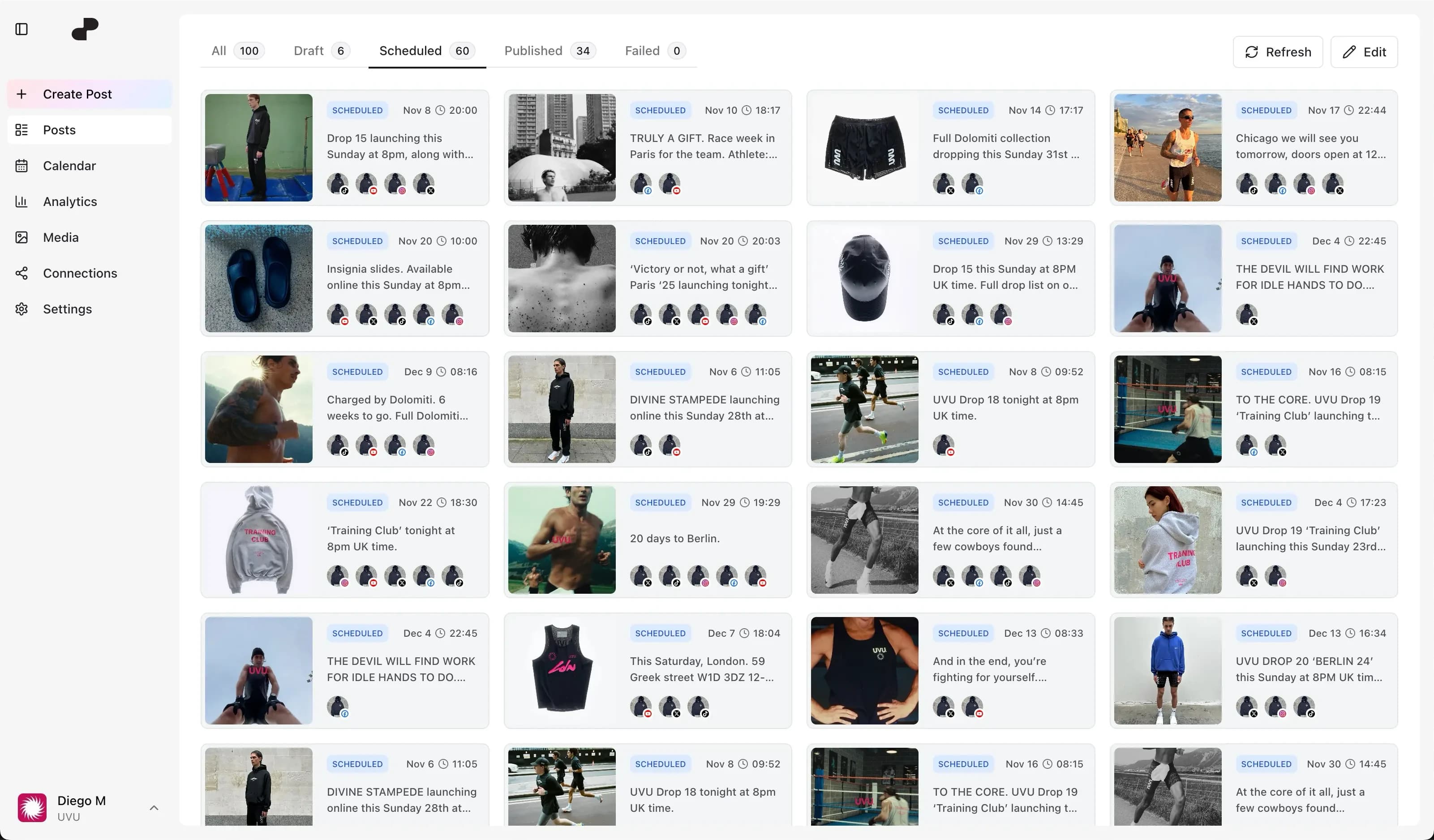
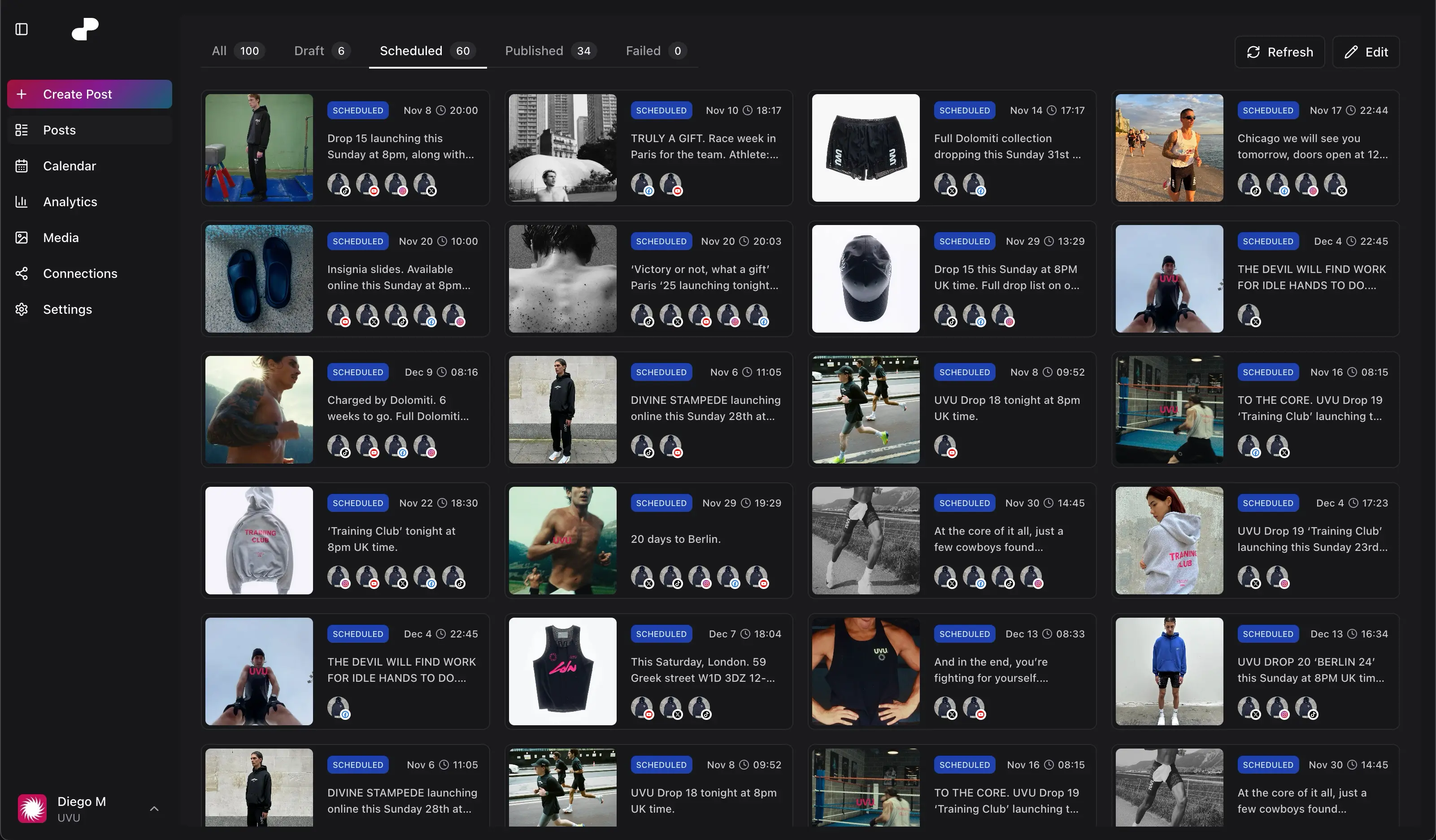
Showcase a product, idea, or article with a visual and description.
Share a process, demonstration, or inspiration in motion.
Choose where each Pin belongs and where readers can learn more.
Yes. dopost supports preparing image and video Pins for your connected Pinterest account.
Yes. Create Pins in advance and assign publishing dates across your campaign.
Yes. Select the destination board as you prepare the Pin.
Yes. Reuse suitable media and give each network its own caption and publishing details.
Yes. Add the destination link when creating the Pin so readers can visit the relevant page.
Connect dopost to list your accounts, schedule content, and check post status from your conversation.
Prepare a collection of Pins for an upcoming launch, holiday, or new article.
Reuse product photography and campaign videos when creating your next Pinterest posts.
Review available Pinterest performance, including clicks and saves, to guide future content.
Manage different Pinterest accounts alongside their brand assets in separate workspaces.
Schedule Pins through the API or MCP when your articles or products are ready. Available on Creator and above.
Plan a product’s Pinterest Pin alongside its Instagram photos and Facebook announcement, all in one content calendar.
Perfect for content creators and small businesses
For agencies and large organizations with multiple clients