Videos
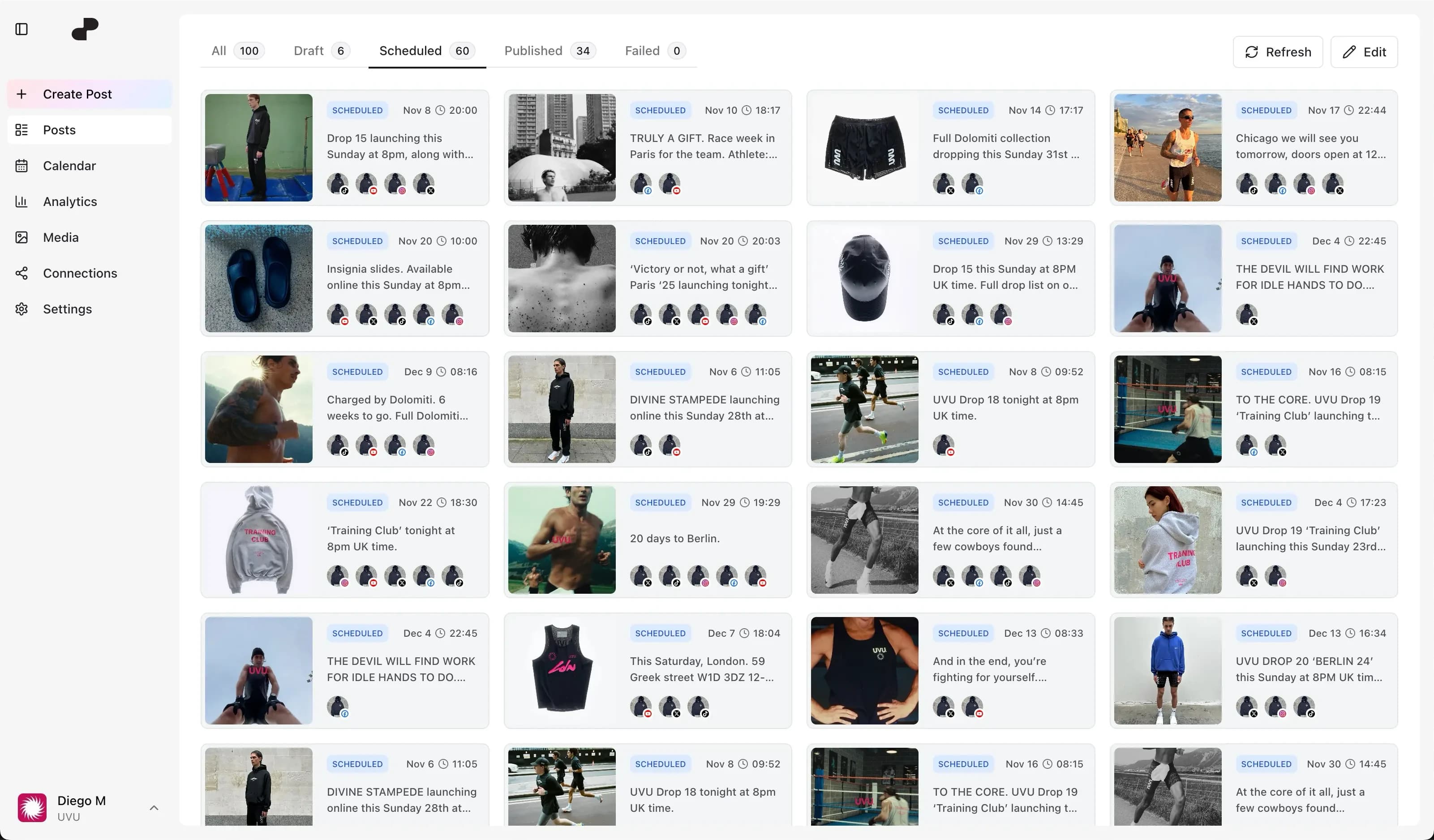
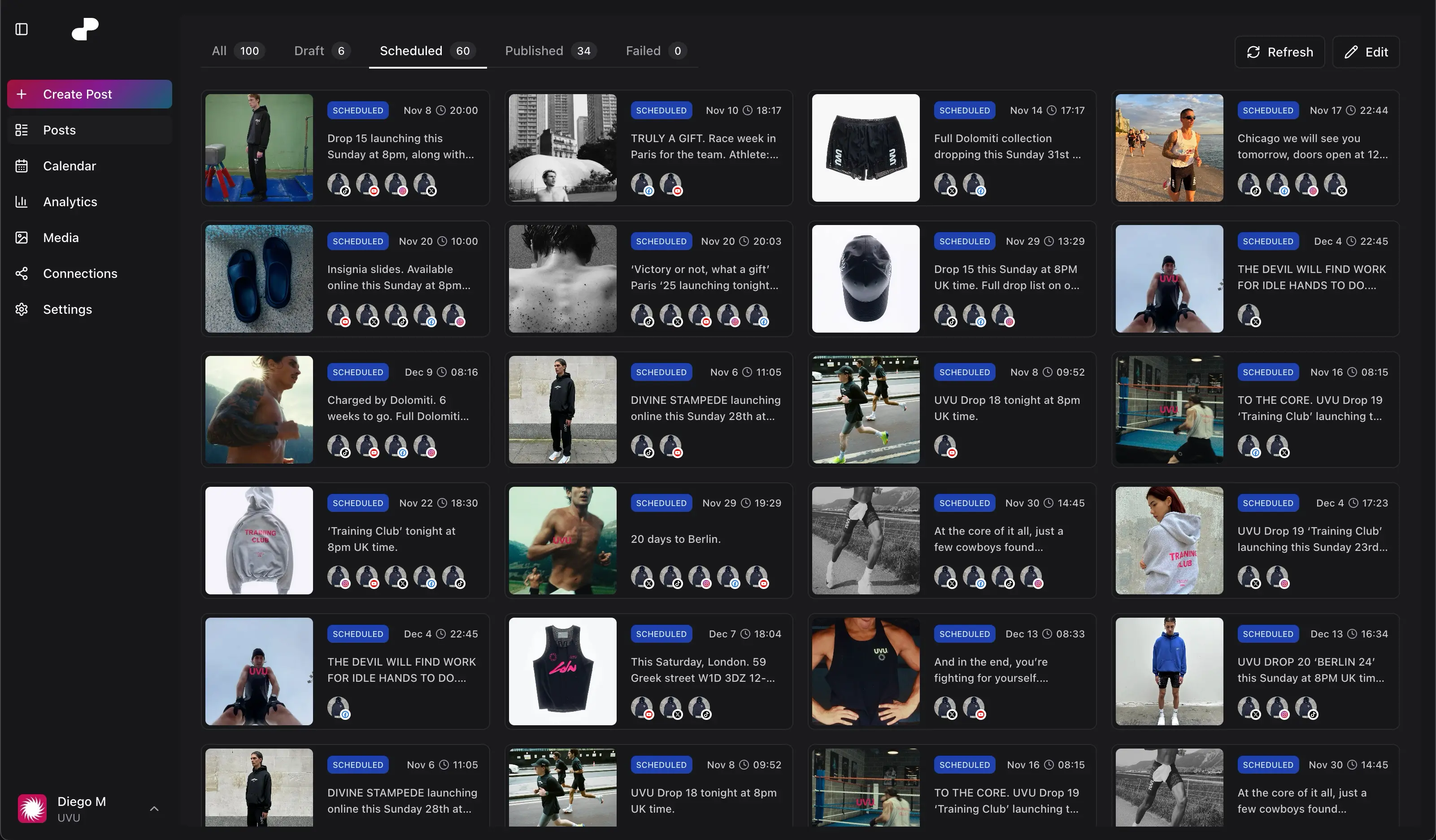
Schedule tutorials, interviews, and episodes for your channel.
Prepare uploads, titles, descriptions, and thumbnails ahead of time. Keep your YouTube schedule alongside the rest of your content.




Schedule tutorials, interviews, and episodes for your channel.
Include short-form clips in the same publishing plan.
Prepare titles, descriptions, and supported thumbnail options before your upload.
Yes. Plan regular videos and Shorts from the same dopost calendar.
Yes. Add its title, description, and supported publishing options while preparing the scheduled post.
Yes. Connect channels within your plan allowance and organize their media and posts in workspaces.
Yes. Schedule separate announcements or suitable video clips alongside the YouTube release.
dopost provides thumbnail options for supported YouTube uploads. Prepare the artwork alongside the video.
Connect dopost to list your accounts, schedule content, and check post status from your conversation.
Plan a regular video series and the Shorts that support each release.
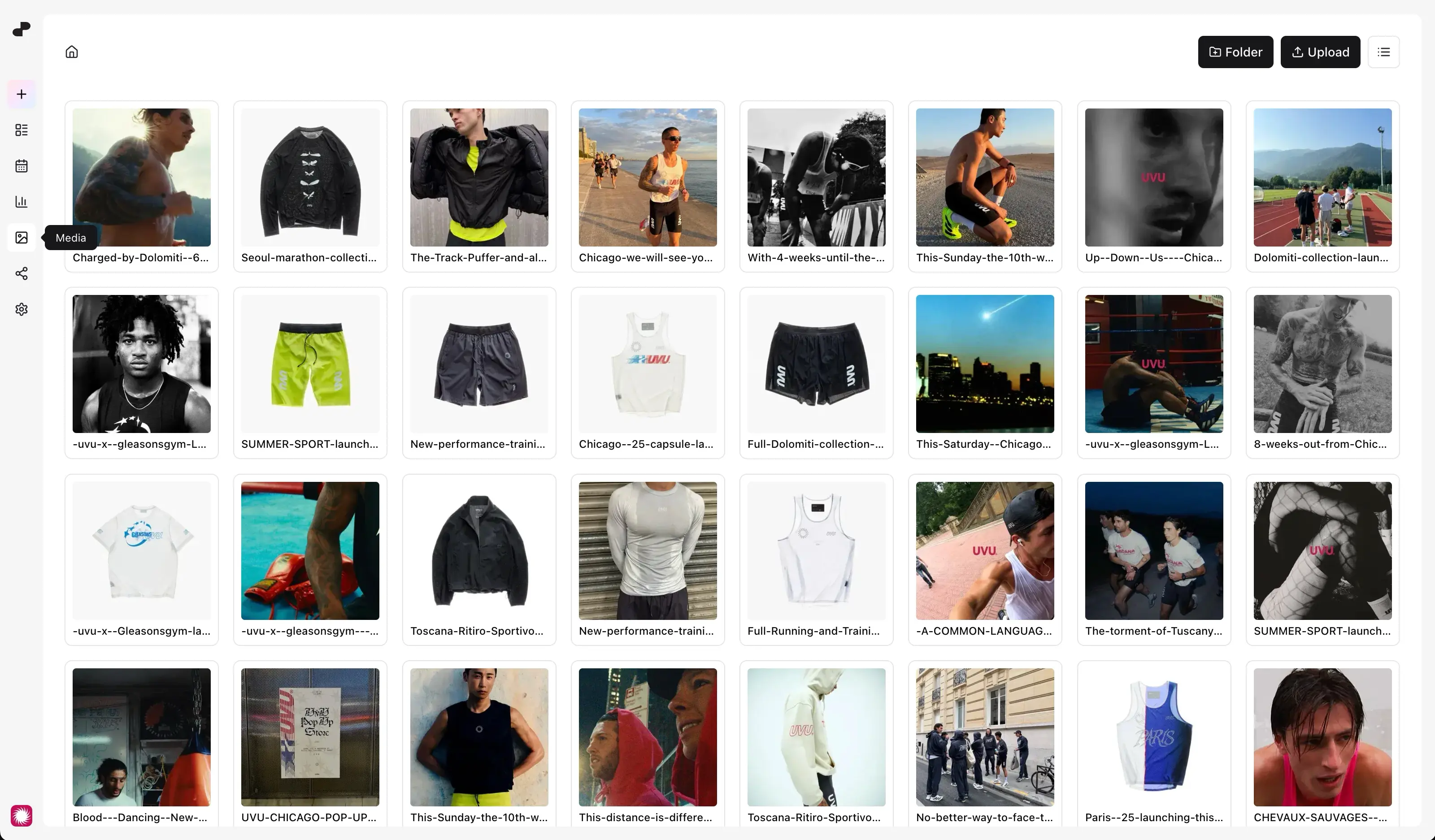
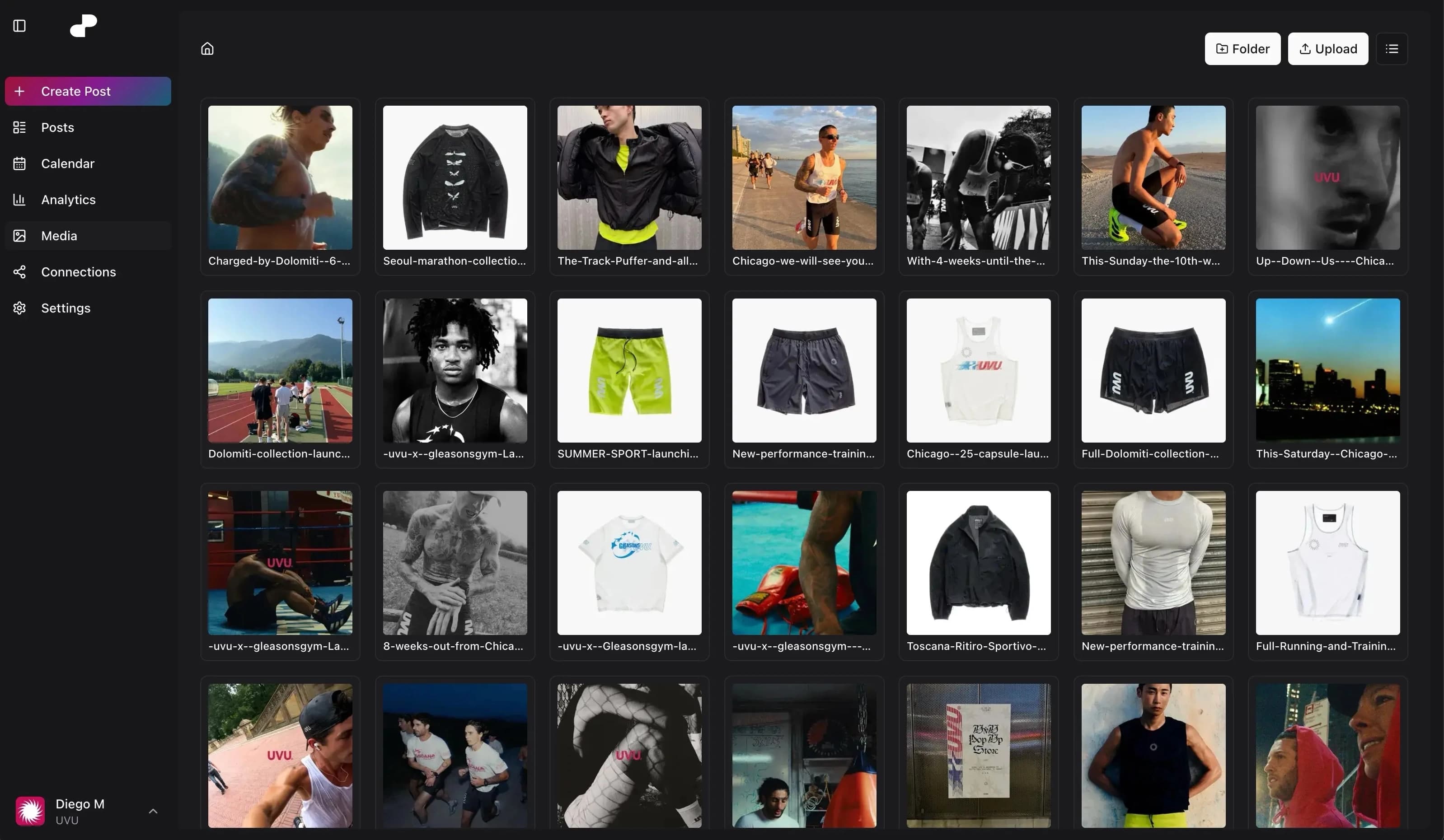
Keep video files and artwork together in the media library for upcoming uploads.
Review available YouTube performance to understand how your videos are being watched.
Separate channel connections, media, and content plans by brand or client.
Use the API or MCP to prepare scheduled uploads from your tools. Available on Creator and above.
Schedule the YouTube upload, then plan supporting clips and announcements for TikTok, Instagram, and Facebook.
Perfect for content creators and small businesses
For agencies and large organizations with multiple clients