How to safely download images and photos from Instagram for reuse in your content

Instagram is a platform rich in visual content that many creators and businesses want to reuse for their own digital strategies.
However, downloading images from Instagram requires safe methods that respect intellectual property.
In this article, we explain step by step how to download photos and images from Instagram in a practical and legal way.
Additionally, we guide you on recommended tools and important precautions to avoid problems when using that content.
Why is downloading Instagram images safely important?
Not all images on Instagram are free of rights; many belong to other users, brands, or photographers.
Downloading images without permission can pose a legal risk or harm your brand's image.
Furthermore, doing it with unreliable tools can expose your devices to viruses or data theft.
That is why using secure methods and respecting copyright ensures that you can reuse the content without legal or technical complications.
- Avoid downloads from unofficial or suspicious applications.
- Select tools that do not require your Instagram account to protect your privacy.
- Always ask for permission or attribute the author if you reuse images for public content.
- Consider the licenses and terms of use of Instagram and of the creators themselves.
Practical Methods to Download Instagram Images in 2026
Below, we explain effective ways to download images without hassle or risks, both from your mobile and from the browser.
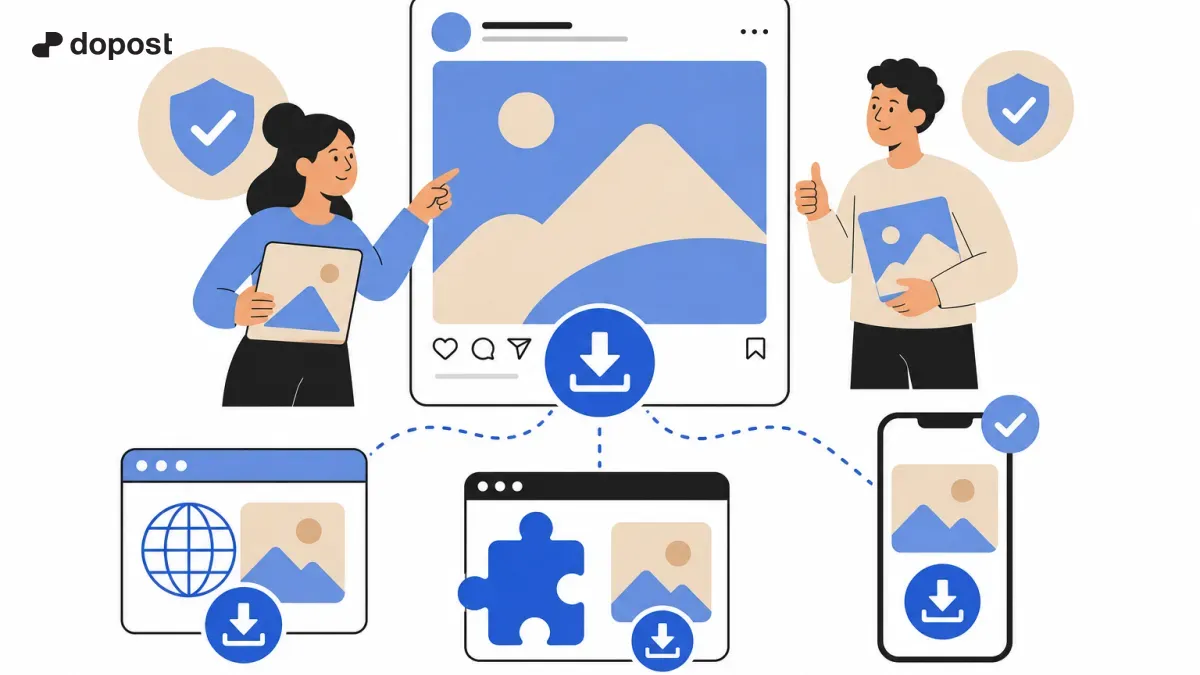
You can use online services that allow you to paste the post link and download the image in high resolution, without installing anything.
Another safe option is to download your own photos from Instagram directly using the official data download feature.
There are also reliable browser extensions that facilitate downloading, although always check that they are up-to-date and recommended.
- Use of websites: Paste the link of the post and download the photo, for example, with recognized tools that do not require registration.
- Download from Instagram: From your profile in the app or web, use the 'Download Data' option to get all your images.
- Browser extensions: Install secure extensions that allow you to download images when browsing Instagram.
Popular and reliable tools to download Instagram photos
Among the most valued options by professionals and creators in 2026 are free and easy-to-use tools.
For example, web platforms like Snapgram allow downloading photos, videos, and reels without complications.
GramSave is another free downloader that works excellently for downloading high-quality images directly from posts.
Also, some specific extensions for Chrome or Firefox that are frequently updated are recommended for those who regularly perform this task.
- Snapgram: Download images and videos simply by entering the link.
- GramSave: Easy, no registration, with HD option for photos.
- Extensions like 'Chrome IG Story' (check current versions) for browsers that save content.
What precautions should you take when downloading images for reuse?
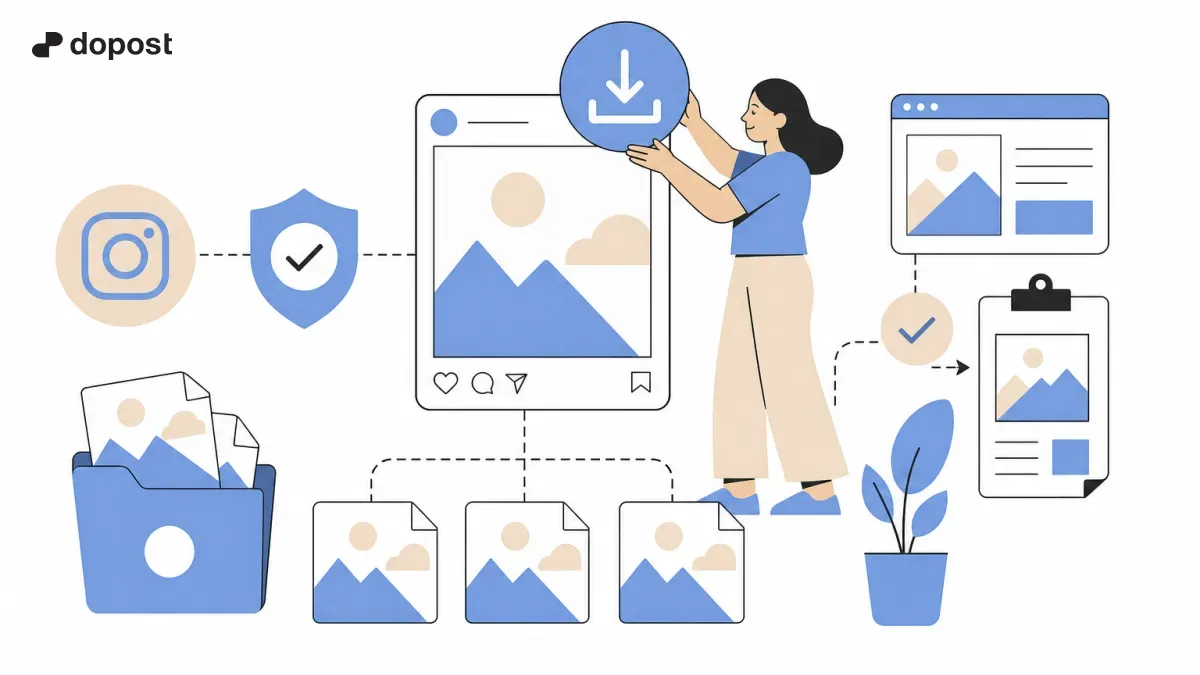
Respecting intellectual property is crucial to avoid legal problems and build a good reputation.
Never use images without permission for commercial or advertising purposes without explicit authorization.
When sharing downloaded content, always mention the source and the original creator to give credit.
Avoid sharing images that may violate privacy or contain unauthorized copyrighted material.
It is also important to ensure that the tools used do not compromise your computer security.
- Check Instagram's usage policies and image conditions.
- Request permissions whenever possible before reusing images.
- Use images with open licenses or from your own account for maximum security.
- Beware of applications that request username and password, they could be fraudulent.
Frequently Asked Questions about Downloading Images from Instagram
Can I download any image I see on Instagram?
No, you must respect copyright and privacy rights. Only download images that are your own or have the express permission of the creator to avoid legal issues.
Which Instagram image download tools are safe?
Online tools like Snapgram or GramSave, and official Instagram features for your own photos, are reliable options. Avoid suspicious or unverified applications.
How to download my own photos from Instagram?
You can use the 'Download Data' feature from Instagram settings, which will send you a file with all your photos and videos.
Should I give credit to the author if I use a downloaded image?
Yes, it is always good practice to mention the source and author to respect their work and avoid legal or ethical issues.
Conclusion
Downloading Instagram images to reuse them in your content is possible and safe if you use the appropriate methods and respect copyright.
Choose reliable tools, avoid downloading content without permission, and attribute correctly to ensure ethical and legal use.
This way, you can enrich your posts without risks or complications, optimizing your time and resources on social networks.