Step-by-step guide to doing Instagram live streams that connect and grow your audience
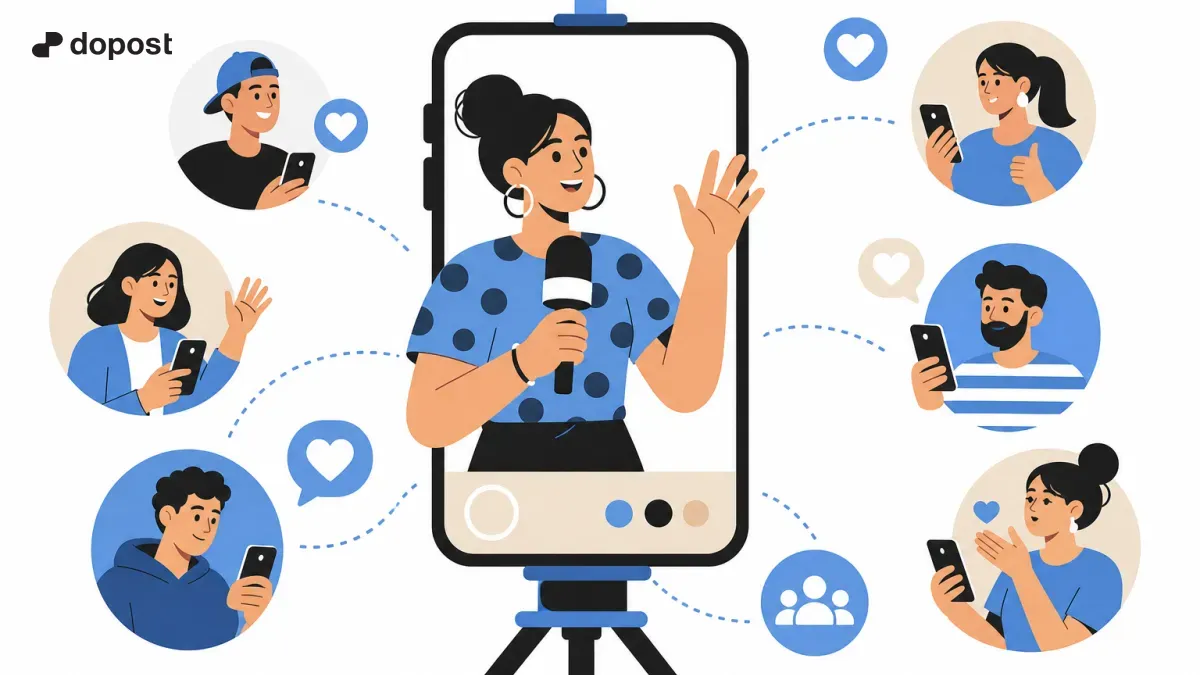
Instagram Live or live on Instagram is a powerful tool for content creators and small businesses who want to connect in real time with their audience.
Through this guide, you will discover how to do a live stream, what settings to consider to make the most of it, and techniques to maintain attention and encourage interaction during the broadcast.
What is a live on Instagram and how does it work?
An Instagram live, known as Instagram Live, is a feature that allows you to broadcast live video from your account, whether personal or business, so that your followers can watch and participate in real time.
It is generally accessed from the stories camera by selecting the "Live" option. During the broadcast, you can interact with comments, activate filters, and share guests to enrich the experience.
- Stream live video to followers
- Reply to comments immediately
- Add guests or collaborators in the live stream
- Customize with filters and small effects
Step by step to start your first live on Instagram
Here is a simple guide to start your first live stream and do it without any setbacks:
1. Open the Instagram app and swipe right to open the camera.
2. Scroll through the bottom menu and select the "Live" option.
3. Before starting, check the connection to avoid interruptions.
4. Add a title or description so your audience knows what the live stream will be about.
5. Press the button to start the live broadcast and begin connecting with your followers.
- Open camera by sliding right
- Select 'Live' in the menu
- Add title to capture attention
- Check stable connection
- Start broadcast
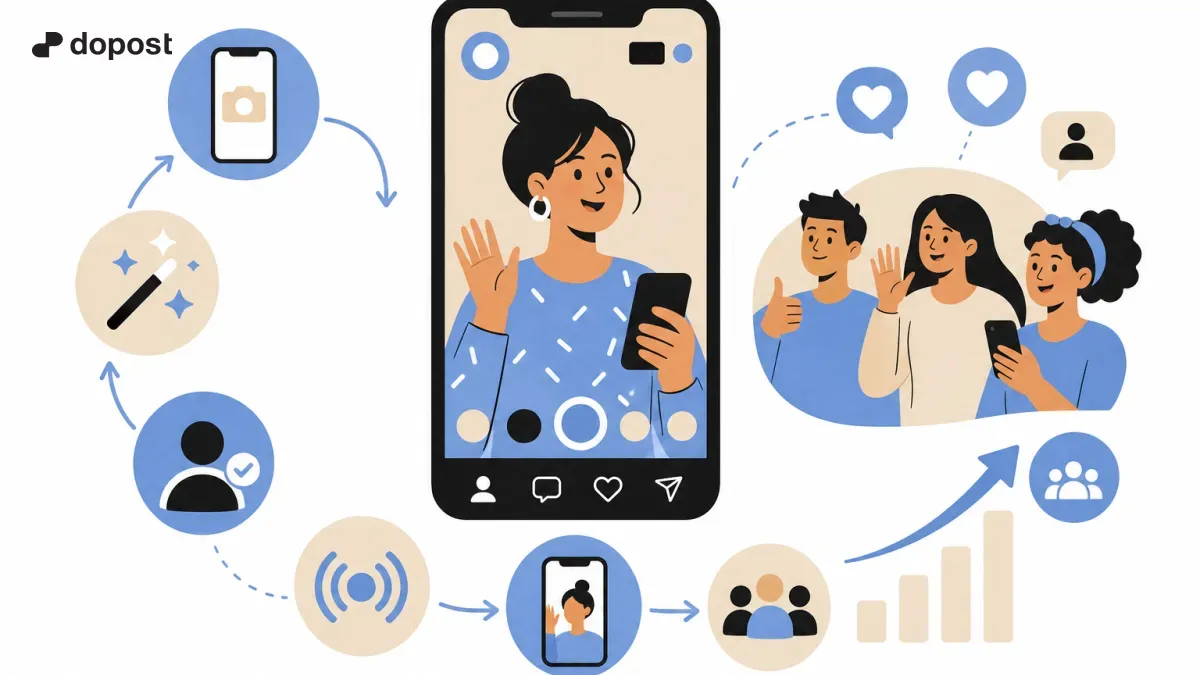
Tips to Improve Interaction During Your Instagram Live Sessions
For your live broadcasts to be successful and keep your audience's attention, follow these practical tips:
- Prepare a script or outline to give structure to your live stream.
- Invite your audience to participate with questions or polls.
- Maintain a brisk pace to keep interest from waning.
- Use the add guests feature to create dynamic conversations.
- Thanks for participation and responds to comments in real time, generating closeness.
- Plan the content in advance
- Encourage interaction with questions and surveys
- Use guests to enrich the dialogue
- Respond and thank those who participate
- Maintain a smooth and entertaining pace
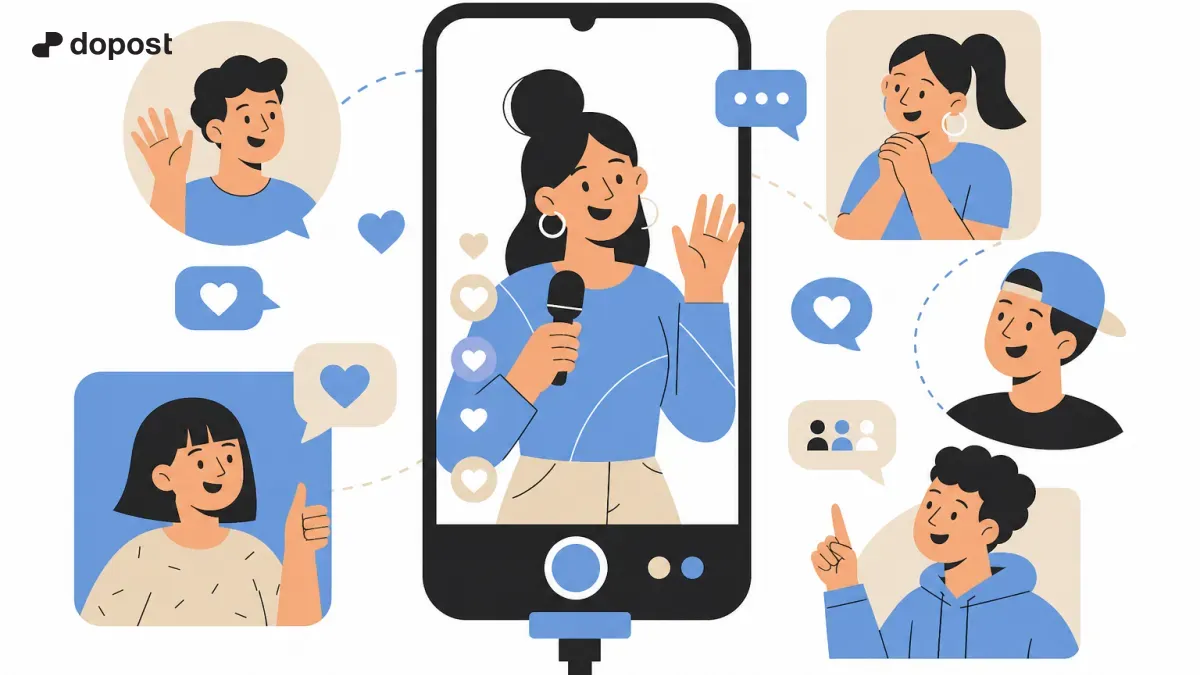
How to leverage your live streams to increase your audience and visibility
Live streams not only allow communication in real time, but they are also a strategic tool to grow your community if used well.
Some tricks to maximize this impact:
- Announce the live stream in advance to generate anticipation.
- Use relevant hashtags so more users find your broadcast.
- Share the live afterwards in your stories or IGTV to extend its reach.
- At the end, invite them to follow your profile or visit your website to turn viewers into regular followers.
- Promote your live stream in advance
- Include hashtags in the title or description
- Share the video in other sections of Instagram
- Includes calls to action to follow or visit your website
Frequently Asked Questions about Instagram Live Streams
What is a live on Instagram?
A live is a live video broadcast that you do through Instagram so your followers can see you and participate in real time.
How to watch an Instagram live that has already ended?
You can watch the replays if the person who did the live shared them in their stories or IGTV. Otherwise, the live disappears automatically.
How do you start a live on Instagram?
From the Instagram camera, swipe to the 'Live' option, add an optional title, and press the start button to begin the broadcast.
Is there live streaming on Instagram?
Yes, Instagram Live is the official feature for live streaming within the platform.
Conclusion: Grow your community with effective Instagram live streams
Live streams on Instagram are an excellent opportunity to connect authentically with your audience and boost your brand or project.
With the steps and advice we share, you will be ready to create engaging, interactive, and high-quality live broadcasts that boost your visibility and follower loyalty.
Remember that constant practice and measuring your results will help you improve with each live stream. Dare to try and watch your community grow!