How to Make AI Videos With Viral Hooks: A Practical Guide for Shorts and Reels
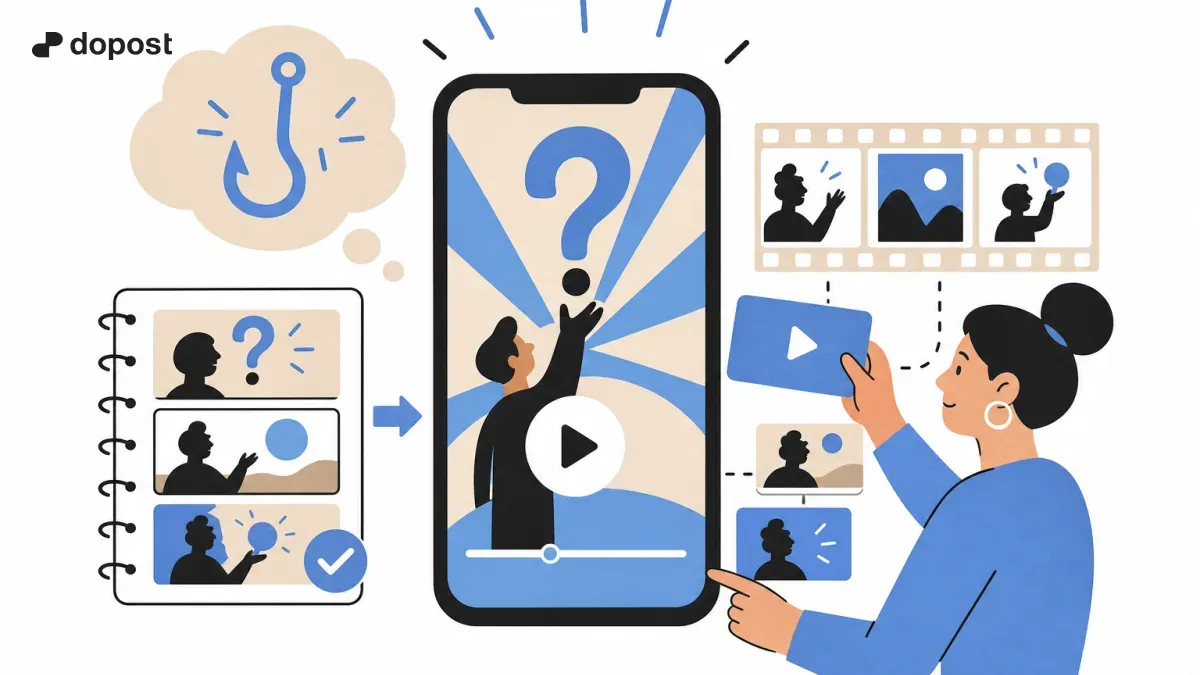
AI-generated short videos are everywhere: animated explainers, impossible scenarios, strange science questions and faceless channels that turn one idea into a 30-second story. The surprising part is not the software. It is how repeatable the format has become.
The short version
- A viral hook is a clear question or tension, not just a dramatic first frame.
- Build the script before generating footage: hook, escalation, explanation and payoff.
- Use consistent scenes, narration and captions. AI video alone does not guarantee retention.
- Test several hooks for one idea, track performance and improve the next video.
Why 'what if' and curiosity videos are booming
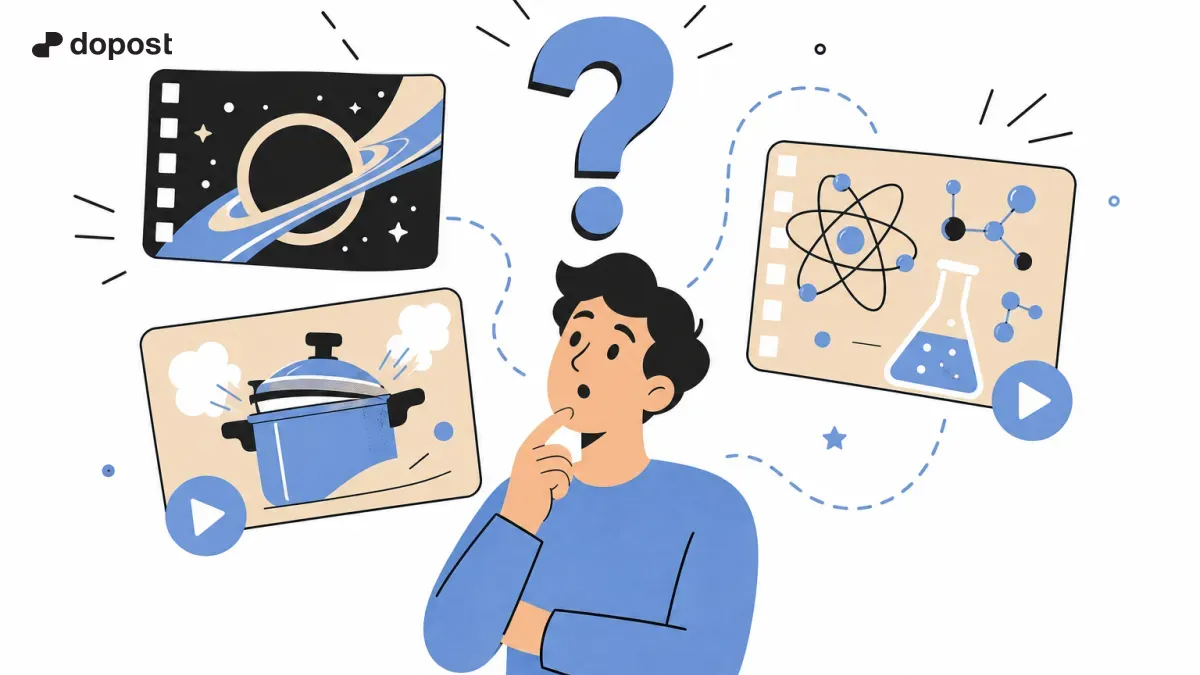
Questions like “What would happen if a tiny black hole appeared in your room?” or “How does a pressure cooker actually work?” promise an answer the viewer wants right now. They are particularly suited to short-form video because the visual can demonstrate something hard to film in real life.
AI tools make the illustration and production stages more accessible. That does not mean every AI clip performs: factual accuracy, a satisfying explanation and editing still matter. For social-first cinematic generation, OpenAI's profile of Higgsfield describes how short-video production combines narrative planning, pacing and camera motion.
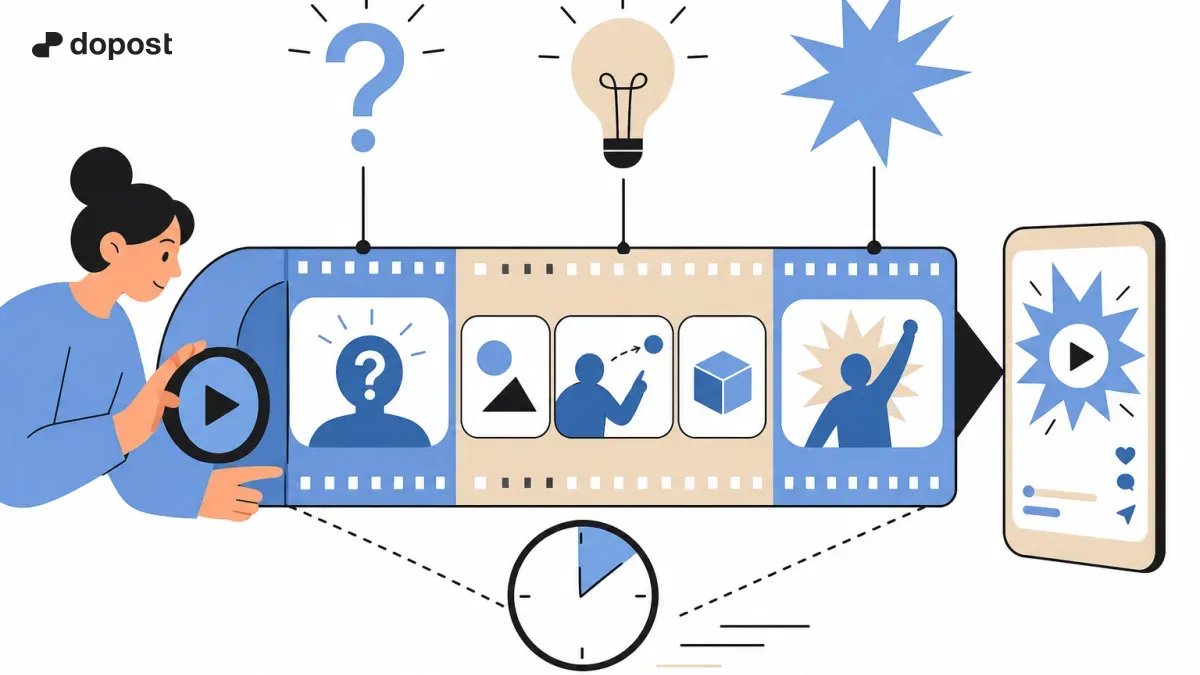
The anatomy of a 25-second curiosity video
| Time (example) | What happens | Pressure cooker example |
|---|---|---|
| 0–3 s | Hook and visual surprise | “Why doesn't a pressure cooker explode?” |
| 3–8 s | Set up the question | Show the sealed lid and rising steam |
| 8–19 s | Explain in 2–3 beats | Pressure raises the boiling point; the regulator releases excess steam |
| 19–25 s | Payoff and next curiosity | Explain the safety mechanisms; tease another everyday mystery |
These timings are a starting template, not a platform rule. A strong 12-second explanation can outperform a padded 30-second one.
10 hooks you can adapt
- What actually happens inside a pressure cooker?
- What if gravity disappeared for five seconds?
- Why do airplane windows have that tiny hole?
- Could an umbrella made of lasers stop rain?
- What happens if the Moon suddenly vanishes?
- Why does metal feel colder than wood?
- What if the internet stopped for 24 hours?
- How does a car airbag inflate so quickly?
- Could you survive falling into Jupiter?
- The hidden engineering behind an elevator brake.
Avoid promising impossible certainty. For speculative scenarios, say the simulation is hypothetical and distinguish established science from assumptions.
Step 1: Find a question with a visual answer
Start with questions that can be explained through cause and effect. A useful filter: can the audience understand the premise in one sentence, and can the answer be demonstrated in three visual beats? Validate science and historical claims using reliable references before production.
Step 2: Write the hook and the payoff first
Write a single sentence for the opening and a single sentence for what the viewer learns at the end. Then fill the middle with only the steps required to connect them. Avoid introductions like “Hello everyone, today we're going to...”
Step 3: Storyboard before generating
- Scene 1: close-up of the familiar object or dramatic scenario.
- Scene 2: reveal the unseen mechanism using a cutaway or diagram.
- Scene 3: show the consequence with an animation.
- Scene 4: return to the question with the conclusion.
For a pressure cooker, use a labelled, simplified cutaway rather than an exaggerated dangerous explosion. Keep colors, object scale and motion consistent between shots.
Step 4: Produce the visuals
Choose a workflow based on the style you need. For cinematic AI footage, tools like Higgsfield can render clips from scene descriptions. For vector explainers, Remotion with a coding agent gives you programmable motion, SVG, typography and precise timing. You can combine generated footage and deterministic overlays.
Example scene prompt: “Vertical 9:16 educational animation, close-up of a stainless steel pressure cooker with a transparent cutaway, steam accumulating and controlled release through the valve, clean background, clear physical motion, no text, continuous camera framing.” Generate short shots rather than one long video when you need tighter control.
Step 5: Add voice, captions and an edit
Record or synthesize a calm, fast-paced voiceover. Keep one idea per sentence. Add synchronized captions with enough contrast to read on a phone. Use sound effects to clarify motion, not to hide weak storytelling. Fact-check captions and narration separately.
Step 6: Publish, test, repeat
Export in a vertical format appropriate for the target platform, check safe zones and inspect the first seconds on a real phone. Try two opening hooks with comparable footage. Measure early retention, average watch duration, completion and shares where platform analytics offer those metrics. Then build the next video based on actual results.
Use dopost to organize the finished assets and plan distribution across your connected channels; check each network's supported video publishing flow rather than assuming every format works identically.
Mistakes that make AI videos feel disposable
- Showing generic cinematic footage that does not explain the question.
- Using a clickbait hook with no satisfying answer.
- Changing character or object appearance between cuts.
- Publishing made-up facts as educational content.
- Posting at high volume without reviewing quality and platform rules.
The bottom line
The repeatable advantage is not a secret prompt. It is a workflow: choose a question, earn attention, explain it visually, land the payoff, then iterate on what viewers actually watch. AI makes production faster; the idea and the edit make it worth watching.