Simple steps to permanently or temporarily delete your Facebook account
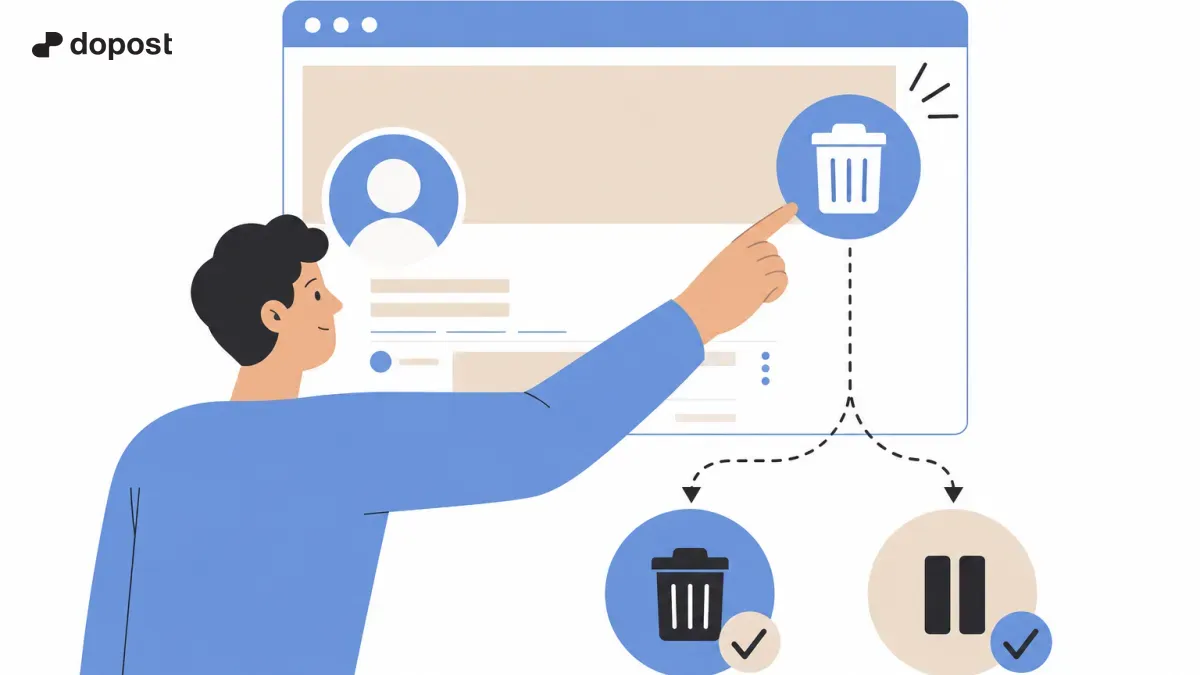
Facebook is one of the most used social networks in the world, but sometimes users want to take a break or delete their account permanently.
Deleting or deactivating your account is not complicated, but it can raise questions if you don't know exactly where to go within the platform.
In this guide, we will explain step by step how to temporarily deactivate or permanently delete your Facebook account, with clear and easy-to-follow instructions.
What is the difference between deleting and deactivating your Facebook account?
Before making a decision, it is important to understand the two processes that Facebook offers to leave the social network: deactivate and delete.
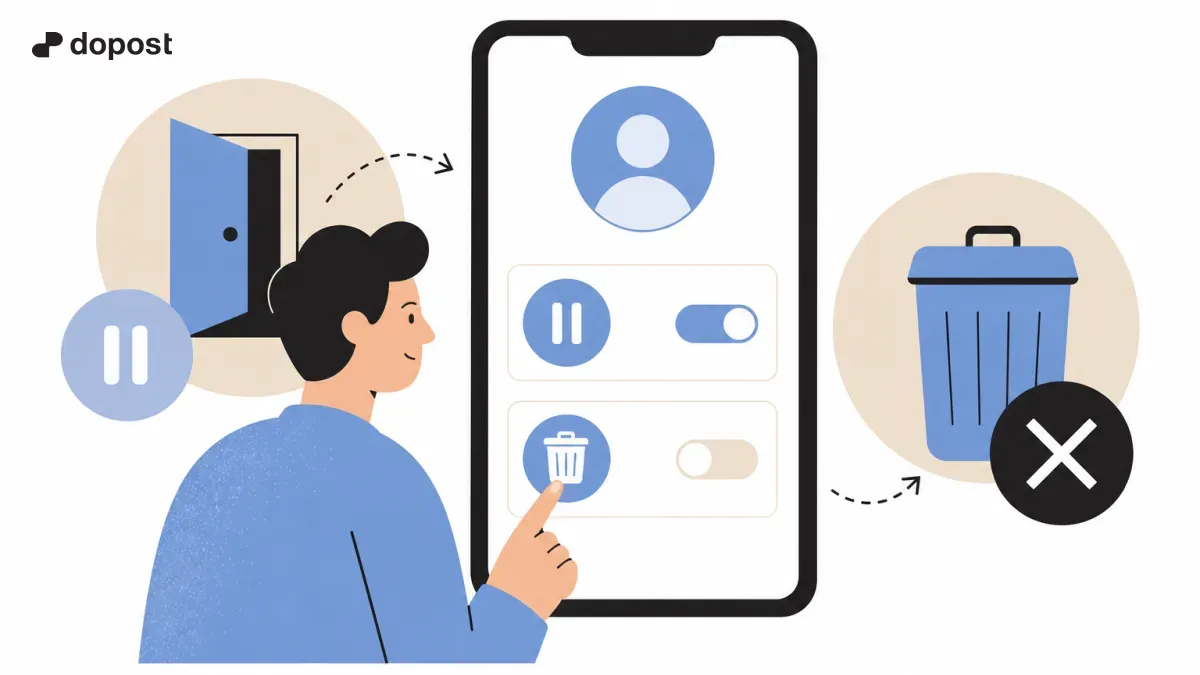
Deactivate Facebook account means that your profile is hidden and people cannot search for you or see your content, but you can reactivate it at any time by logging in again.
Delete Facebook account is a permanent process: your profile, photos, posts, and data are permanently deleted and you will not be able to recover them after a grace period.
This difference is key to deciding which option best suits your needs: a temporary pause or a permanent closure.
- Deactivate account: temporary and reversible
- Delete account: permanent and definitive
How to deactivate your Facebook account step by step
If you prefer to take a break from Facebook without losing your data, deactivation is the best option. Here's how you can do it:
Follow these steps in the mobile app or from a computer browser:
- Log in to your Facebook account.
- Click on the menu icon (the three horizontal lines or downward arrow).
- Select "Settings & Privacy" and then "Settings".
- Look for the section "Your Facebook Information".
- Choose "Deactivation and deletion."
- Select "Deactivate account" and then "Continue to deactivate account."
- Follow the instructions to complete the process. You can add a reason and decide if you want to stop receiving emails from Facebook.
How to permanently delete your Facebook account
Deleting your account deletes all your content and access. Please note that Facebook offers a 30-day grace period to cancel the deletion in case you change your mind.
To do it correctly, follow these steps:
The process is similar for mobile and computer.
- Log in to Facebook.
- Go to menu > Settings and privacy > Settings.
- In "Your Facebook Information," select "Deactivation and Deletion."
- Choose "Delete account" and click "Continue to delete account."
- Facebook will ask you to confirm your password and show you the information that will be deleted.
- Confirm the deletion and remember: you have 30 days to cancel the request if you change your mind.
What happens to my data after deleting or deactivating my account?
When you deactivate your account, Facebook keeps your data, messages, and photos intact, but they will not be visible to other users until you reactivate.
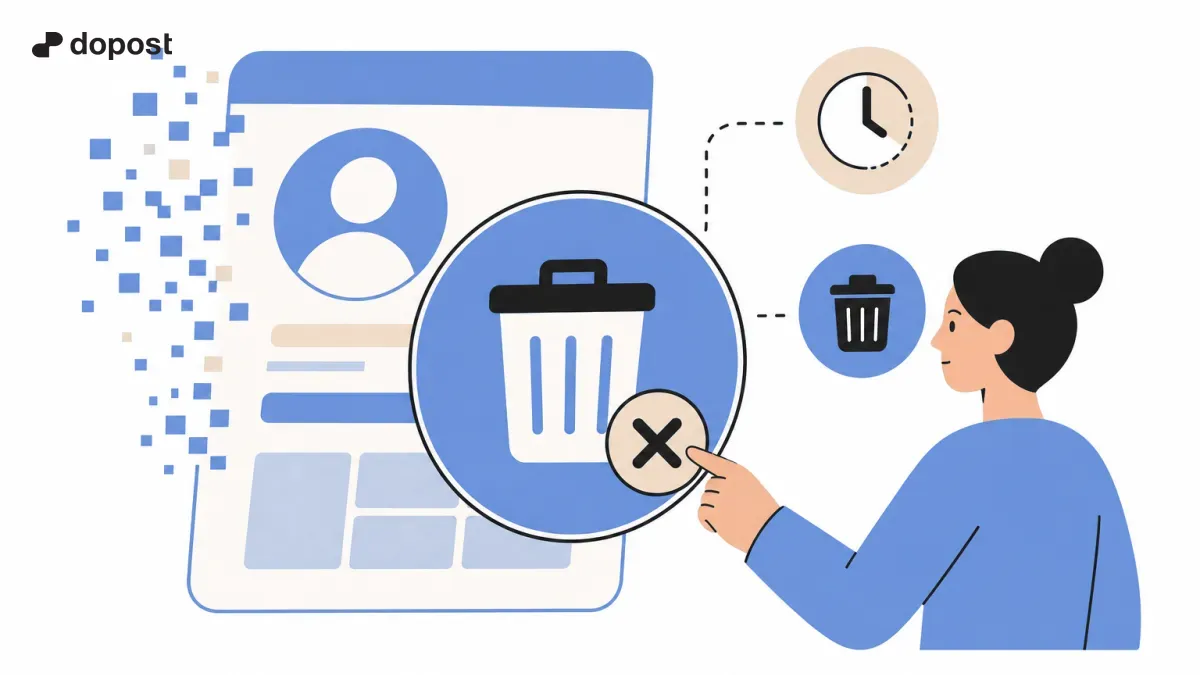
When you delete the account, a deletion process begins in which your data disappears from the platform after the grace period.
Facebook may take up to 90 days to delete all your data from its servers after permanent deletion, although it will not be accessible during that time.
However, some data remains in temporary backup copies or in messages that other users have received, according to Facebook's policies.
- Deactivation: saved data, hidden account.
- Deletion: permanent erasure after grace period.
- The complete process can take up to 90 days.
Tips for users before deleting or deactivating their account
Before proceeding, it is advisable to make a backup of your personal information, photos, and posts.
Facebook allows you to download a file with all your data from "Your Facebook Information" > "Download Your Information".
Also check the applications connected to your account to avoid losing access to other services linked to Facebook.
Think carefully if you want a temporary break (deactivate) or to leave the social network forever (delete).
- Make a backup.
- Check connected apps.
- Decide according to your needs.
Frequently Asked Questions About Deleting and Deactivating Facebook
Can I recover my account after deleting it?
Facebook offers a 30-day grace period after requesting deletion, during which you can cancel the process by logging in. After that time, deletion is irreversible.
Will I lose my messages if I deactivate the account?
No, when you deactivate your account your profile disappears, but your messages sent to friends will remain visible to them.
Are my Facebook data deleted immediately?
No, Facebook takes up to 90 days to delete all your data from its servers, although your profile and content will not be accessible during that time.
Can I use Facebook Messenger if I deactivate my account?
Yes, you can continue using Messenger even with the Facebook account deactivated.
Deleting or deactivating your Facebook account is easy if you follow these steps
Deciding to delete or deactivate your Facebook account depends on whether you want a temporary break or a permanent closure.
By following this step-by-step guide you can do it without complications, taking care of your data and understanding the key differences between both options.
Always remember to download your information and review the connected apps before deleting your account to avoid future surprises.