How to schedule GTA VI posts on multiple networks without wasting time
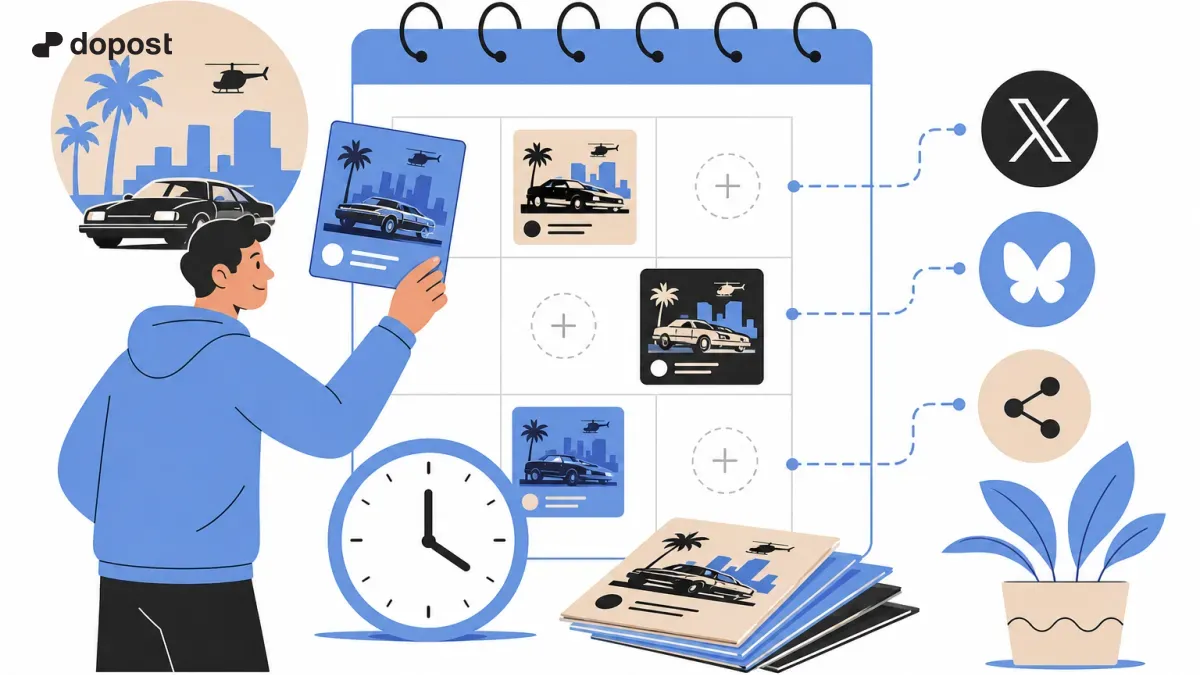
Practical guide for content creators who want to publish about Grand Theft Auto VI without wasting time on repetitive tasks.
A launch day does not have to be chaotic
November 19, 2026, is the official announced date for GTA VI. If you want to enjoy the premiere and share content, separate the hours of gameplay from those of editing and publishing. Scheduling helps you avoid depending on your phone every few minutes.
Step 1: prepare an inventory
Create three columns: topic, format, and status. Examples: initial impressions (text), best capture (image), driving clip (video), and questions for followers (survey where applicable). Do not schedule content that requires having seen scenes you have not yet recorded.
Step 2: write a different version for each network
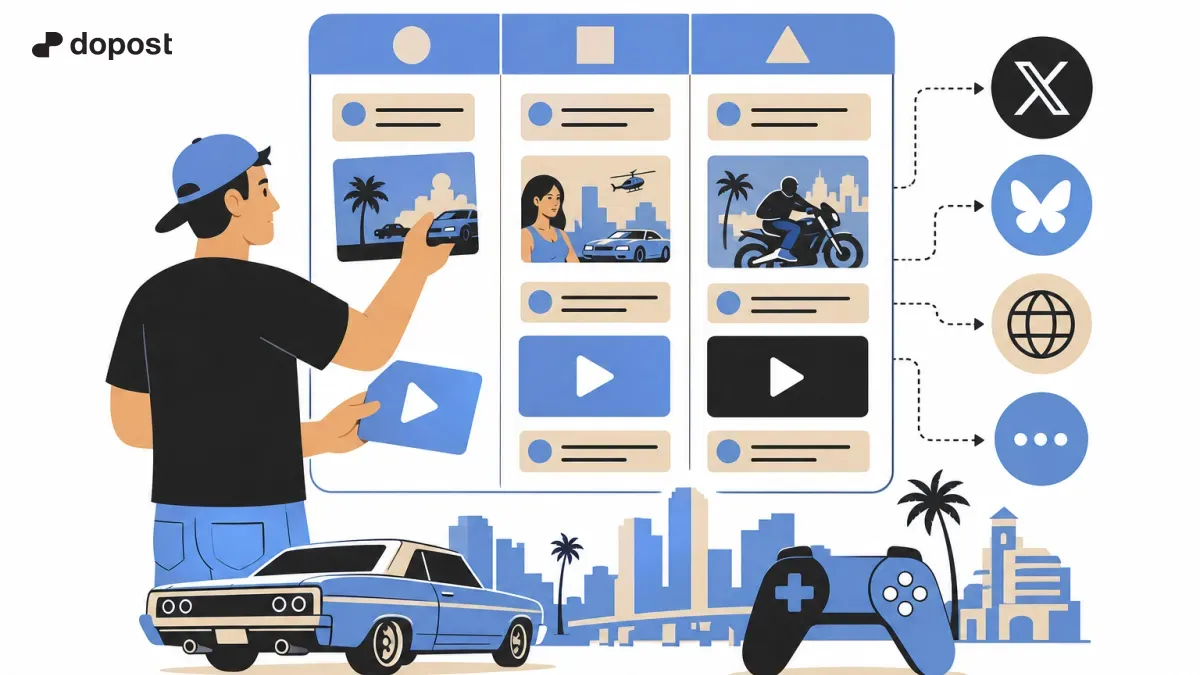
For X, start with a specific observation and a question. For Bluesky, use a conversational tone. On LinkedIn, if your audience is professional, talk about the creation or marketing process, not a spoiler. The same story can have different approaches without duplicating texts.
Step 3: use an editorial calendar
Group posts into blocks: announcement, highlight moment, and conversation. Reserve spaces to react to what actually happens during the premiere. Leave any data that depends on breaking news unscheduled until verified.
Step 4: schedule with Dopost when the integration allows it
Dopost allows you to plan content and manage posts on compatible networks. Select your connected accounts, check the accepted format, adapt the copy, and set a time. Do not assume that the scheduler publishes native videos on TikTok, Reels, or Shorts if that integration does not appear on your dashboard.
Practical example of three publications
Morning: a spoiler-free question about expectations. Afternoon: your real impressions after playing, if you already have them. Evening: a screenshot or link to the highest-rated clip. Adjust each time slot to your audience; there is no guaranteed universal time.
Avoid over-automation
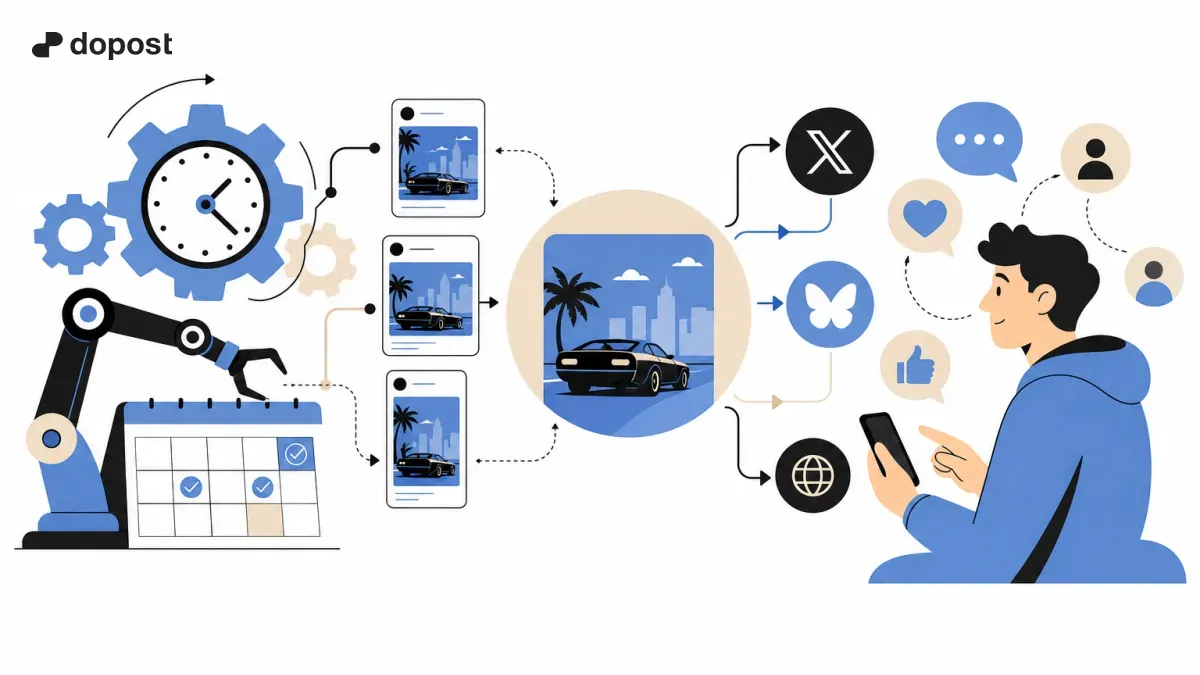
Do not schedule twenty repeated messages. Do not post unverified statements and do not automate responses that should be personal. A good strategy combines planning and real-time conversation.
Conclusion
The best automation eliminates repetitive tasks, not editorial judgment. Prepare ideas before the launch, review each publication, and use Dopost as the planning hub for the channels you have connected.
Start with a simple flow
Organize your ideas, adapt the messages to each platform, and try Dopost to plan compatible posts from a single place.