How to Reuse GTA VI Clips for Shorts, Reels, and Posts
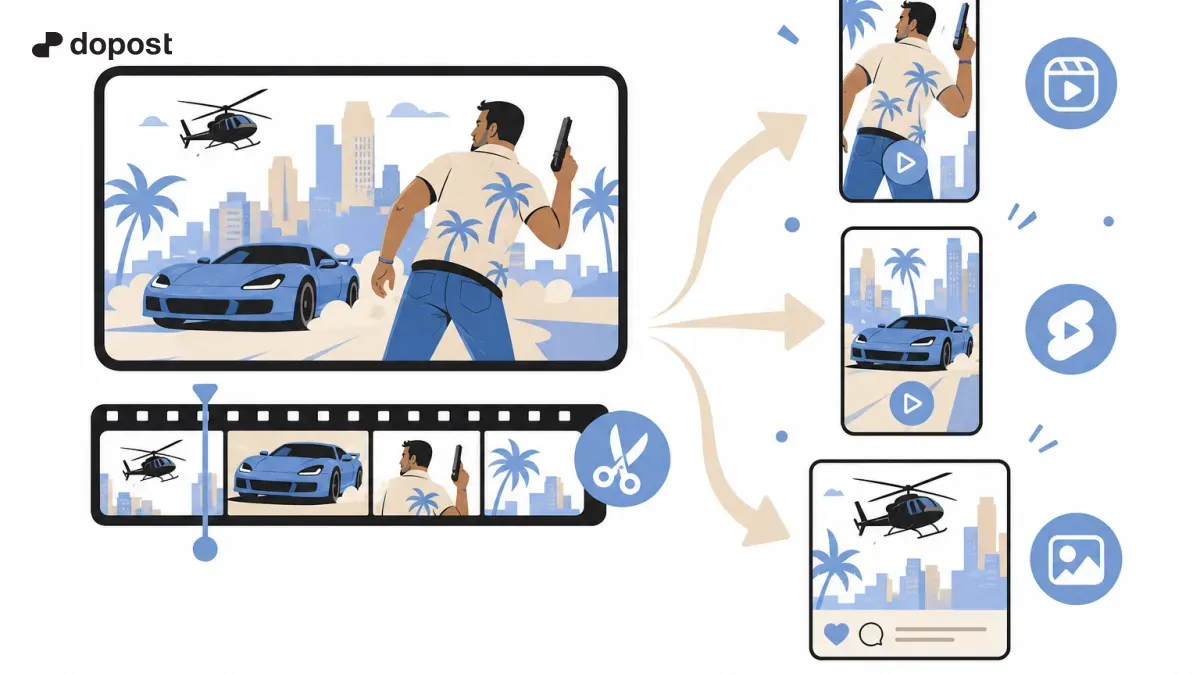
Practical guide for content creators who want to publish about Grand Theft Auto VI without wasting time on repetitive tasks.
A good clip can be used for several posts
You don't need to record a different game for each network. The important thing is to separate the original scene from the message you want to tell. From a single moment, you can create a vertical version, a commented capture, and a question for the community.
Start with a master file
Keep the video in its highest available quality, with a recognizable name and no added watermarks. Create a folder for each gaming session and save a note with the context, minute, potential spoiler, and whether it includes protected music.
Version 1: vertical video
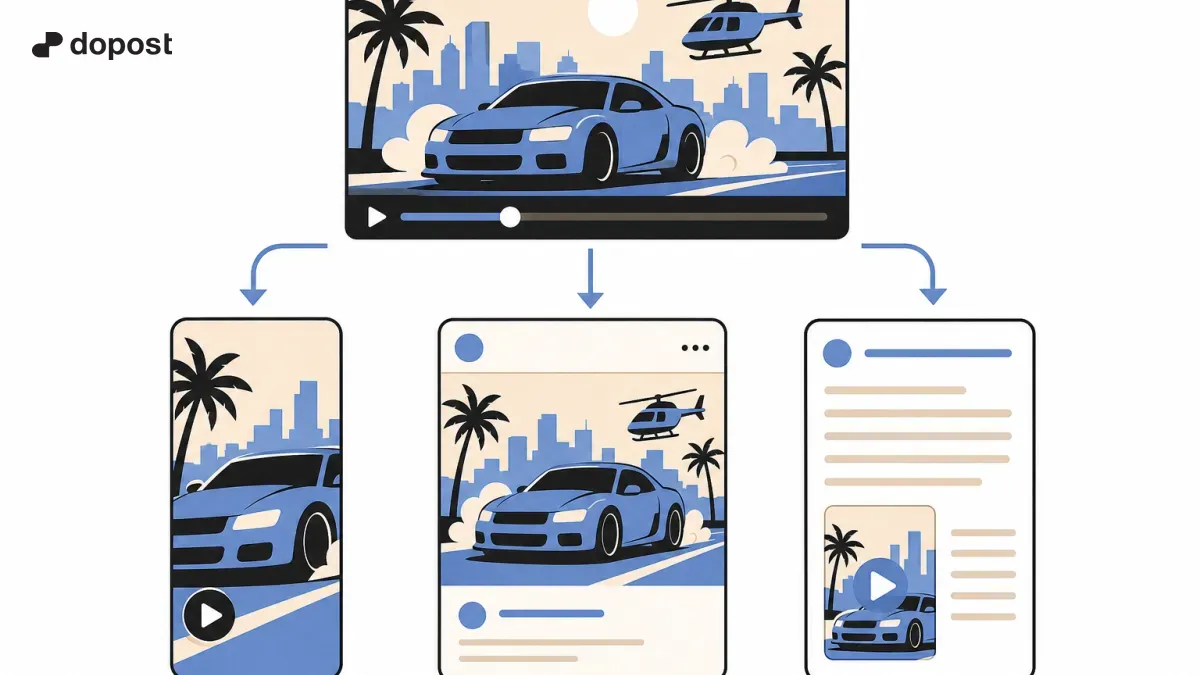
Crop the central moment and adjust the framing so the action is seen in vertical format. Add a brief opening phrase, subtitles when they add clarity, and a natural closing. Always review the video on a small screen before exporting it.
Version 2: post with screenshot
Choose a frame that tells the idea on its own. Accompany it with a question or a verifiable observation. On X or Bluesky, it can work as an entry point to a conversation or as a link to the full video.
Version 3: mini analysis
Explain why the scene caught your attention: composition, direction, environmental design, or interaction. Avoid attributing intentions to the developers if they are not documented. A brief and personal analysis contributes more than repeating a generic description.
Prepare different copies
For Shorts, you can prioritize a visual hook; for Reels, an introduction that invites comments; for a text network, the fact or the question. Do not export a downloaded version with the watermark from another platform again. Check dimensions, duration, and rules of each destination before publishing.
Where Dopost fits
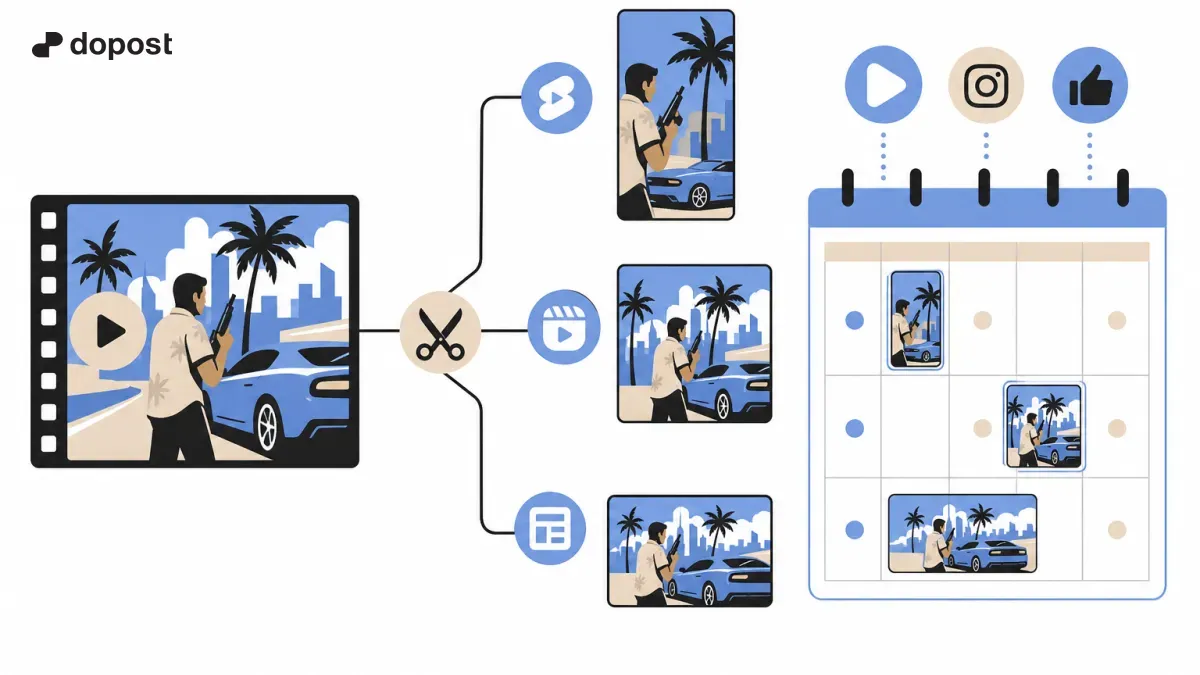
Prepare a calendar with the theme of each version in Dopost and schedule the posts that your connected channels support. If you need to upload videos to platforms without integration, use their native tools and keep the date and published link in the calendar. This way you maintain a global overview without promising a non-existent automation.
Reuse checklist
Before publishing: is it your content or do you have permission? Are there spoilers? Does the framing look good? Does the copy make sense on that network? Have you checked the audio? Does the platform support the format? Have you saved the original? With that list, you turn reuse into a repeatable process.
Start with a simple flow
Organize your ideas, tailor messages to each platform, and try Dopost to schedule compatible posts from a single place.