How to download videos from Pinterest to use in your content strategy without infringing rights
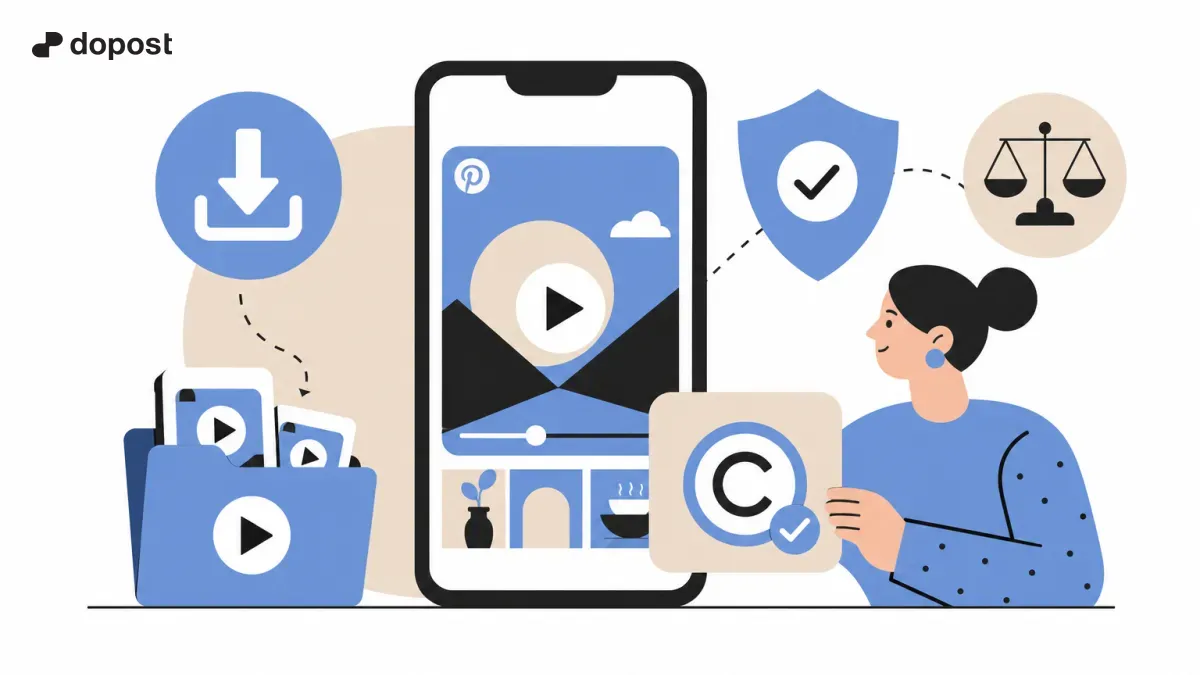
Pinterest is an inexhaustible source of visual inspiration for creators and small businesses. Downloading videos to reuse them on your social networks can be an effective strategy to increase your reach and engagement.
However, it is essential to respect copyright and know safe methods to download this content without breaking the law.
In this article, we will explain how to download videos from Pinterest to use them correctly in your content strategy, which tools to use, and what precautions to take.
Is it legal to download videos from Pinterest to reuse them?
The legality of downloading videos from Pinterest depends on the intended use and respect for the original creators' rights. Pinterest primarily functions as an inspiration platform, but the content hosted belongs to third parties.
To download and reuse a video without infringing rights, it is necessary to have explicit authorization from the author or ensure that the content is under a license that allows it. Using protected videos without permission can lead to legal problems.
Alternatively, you can opt for videos marked as royalty-free or those with a Creative Commons license that allows reuse. There are also free video libraries that offer high-quality content without legal complications, which is covered in depth in our article about free video libraries for social media.
- Download with permission or appropriate licenses.
- Do not use protected videos for promotions without authorization.
- Prefer videos that are free or have Creative Commons licenses.
Practical methods to download videos from Pinterest
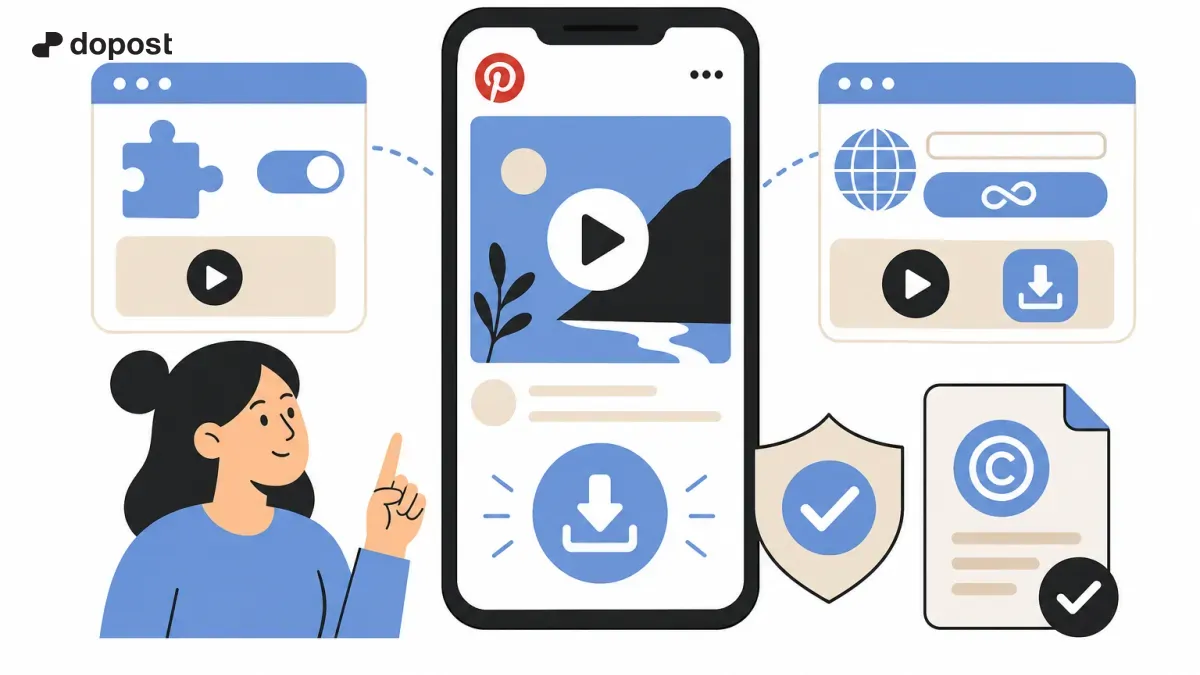
Downloading videos directly from Pinterest is not always easy, as the platform limits this feature. However, there are several tools and steps you can follow to save videos conveniently:
1. Copy the URL or link of the video you want to download from Pinterest.
2. Use specialized online downloaders, such as PinterestDownloader.com or PintSave, which allow you to paste the link and get the video in high quality, without watermarks.
3. Some browser extensions, such as KlickPin for Firefox, facilitate direct one-click downloads while you browse.
4. Make sure to choose a reliable method that does not require registration or dubious installations to protect your digital security.
These methods are similar to the options we recommend for safely downloading videos from Instagram and YouTube, and we explain them in detail in our articles about downloading Instagram videos and downloading YouTube videos.
- Copy video URL on Pinterest.
- Use reliable online downloaders.
- Install approved browser extensions.
- Avoid unsafe tools or those requiring mandatory registration.
Tips for Using Downloaded Videos in Your Content Strategy
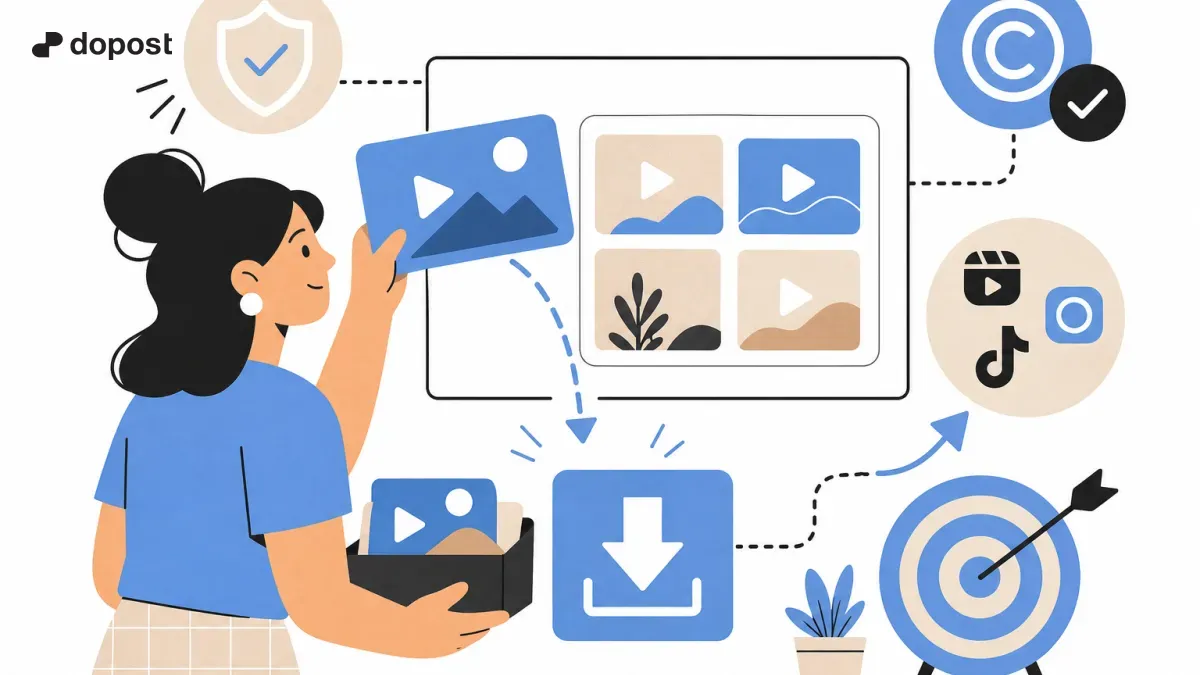
Once you have legally downloaded the video, it is important to use it properly to get the most out of it without any issues:
- Always attribute the original source or author when required by the license or if you have permission to cite it.
- Evaluate if you need to edit the video to adapt it to your brand or social media format; simple editing programs will help you customize it.
- You can combine your own videos with these downloaded ones to add originality and avoid repetitive or very generic content.
- Be transparent with your audience and avoid taking credit for others' content to build trust and reputation.
- Finally, stay updated on the content usage policies of each platform to avoid risking suspension or blocking of your accounts.
- Always attribute the source when appropriate.
- Edit videos to tailor them to your brand.
- Combine with original content.
- Be transparent with your audience.
- Comply with social media policies.
Frequently Asked Questions About Downloading Videos from Pinterest
Can I use a video downloaded from Pinterest for advertising?
Only if you have the explicit consent of the author or the video has a license that allows commercial use. Otherwise, using it in advertising may violate copyright.
Are online tools for downloading Pinterest videos safe?
Reliable tools that do not require registrations or software installations are a good option. Always check reviews and avoid suspicious sites to protect your data.
Does Pinterest mark videos with any license?
Generally, licenses are not indicated on Pinterest. That is why it is key to investigate the origin of the content or look for videos on platforms with royalty-free content.
Are there free alternatives to obtain videos without infringing rights?
Yes, free video banks offer high-quality and legal content for your use on social media. You can check our recommendations at the link about free video banks.
Conclusion
Downloading Pinterest videos for your content strategy is an excellent way to enrich your posts, as long as you do so respecting intellectual property laws and with the proper permission.
Use reliable tools to download, confirm the necessary licenses or authorizations, and always adapt the content to your style and audience.
With these practices, you will avoid legal risks and enhance your digital presence with attractive and secure visual content.