Safe and legal methods to download YouTube videos and use them on your social networks
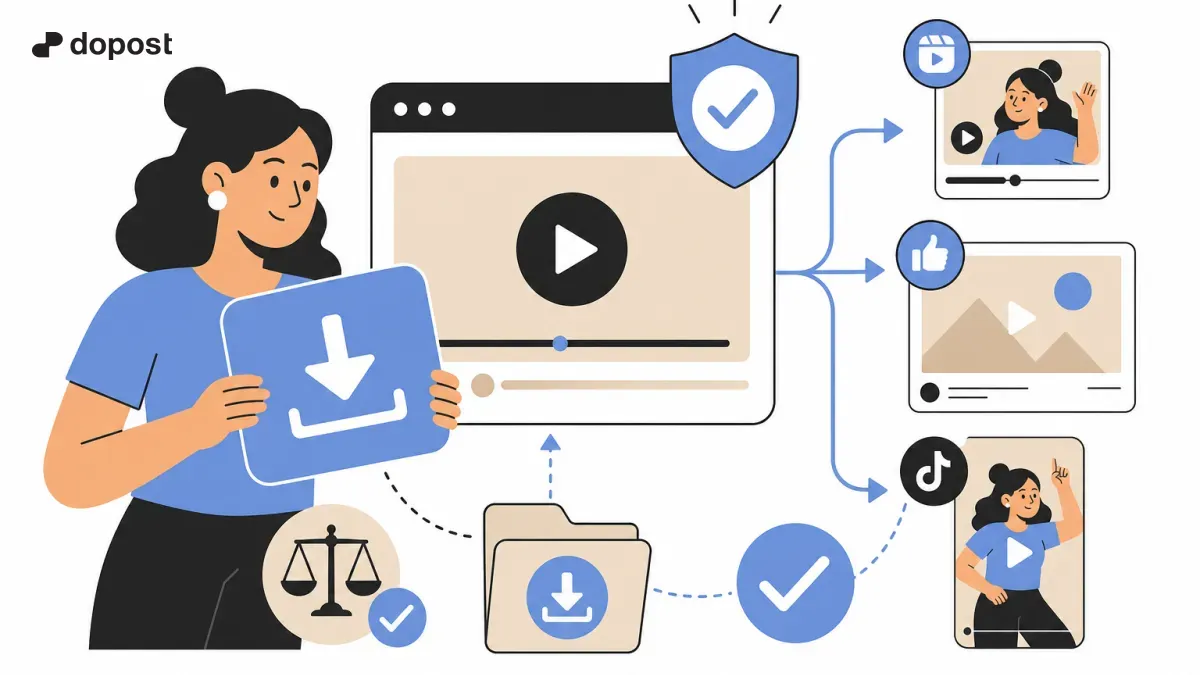
Downloading YouTube videos to use on social media is a common practice among content creators and small businesses looking to optimize their audiovisual strategy.
However, it is essential to understand how to do it safely, respecting copyright laws and avoiding legal or security issues.
In this article, we will guide you through reliable methods to download YouTube videos and also how to make use of materials from other platforms like Facebook, Instagram, and Twitter.
Additionally, we will give you practical recommendations so that you use the downloaded content safely and ethically.
Is it legal to download videos from YouTube?
The legality of downloading YouTube videos depends on how you use the content and the copyright each video has.
YouTube states in its terms of service that videos should not be downloaded without permission, except when there is an official feature that allows it, such as YouTube Premium.
However, there are certain videos with Creative Commons licenses or those that the creator themselves authorizes for download and reuse.
Therefore, before downloading any video, check if the content is marked for free use or contact the owner to request permission.
Using videos without authorization may infringe rights and lead to penalties, so always prioritize respect for intellectual property.
- Check the video license and the terms of use.
- Consider private or educational use, which may have legal exemptions.
- Request permission from the creator for commercial or public uses.
- Avoid downloading protected content without authorization to prevent legal issues.
Safe methods to download YouTube videos
To download YouTube videos safely, it is best to use reliable tools and services that do not compromise your device's security or violate policies.
The most recommended options are:
1. Recognized web services: online platforms like Convert.io or ClipConverter allow downloading videos by pasting the URL, without the need to install programs.
2. Official mobile applications: YouTube Premium allows downloading content to watch offline within the app itself, although it does not allow exporting the file.
3. Reliable desktop programs: software like 4K Video Downloader offers options to download videos without ads or malware risks.
Always avoid suspicious websites or apps that request unnecessary access or contain too much invasive advertising, as they can put your personal information or your device at risk.
- Use recommended platforms like Convert.io to download by simply pasting the URL.
- Consider YouTube Premium for legal downloads within the platform.
- Avoid unknown or poorly reputed software to protect your device.
- Always check that the site or app protects your privacy and does not add malicious software.
How to integrate downloaded videos into your social networks
Once you have the video you need, it is important to use it strategically to enhance your presence on social media.
First, edit the video to fit the format of each platform, for example, vertical videos for Instagram Stories or Reels, and horizontal ones for YouTube or Facebook.
Include credits to the original creator if applicable, respecting their rights and adding transparency to your content.
Finally, combine the downloaded videos with your own content to maintain a consistent identity and avoid repeating too much external material.
If you are interested in extending this strategy, we recommend reading our guide on how to safely download Instagram videos to use them on social networks.
- Adapt the formats according to the social network where you publish.
- Edit and customize videos to add your own value.
- Acknowledge the original creator when necessary.
- Mix your own and downloaded content for better engagement.
Other platforms and how to download videos from them
In addition to YouTube, it is common to need videos from other social networks to complement your content.
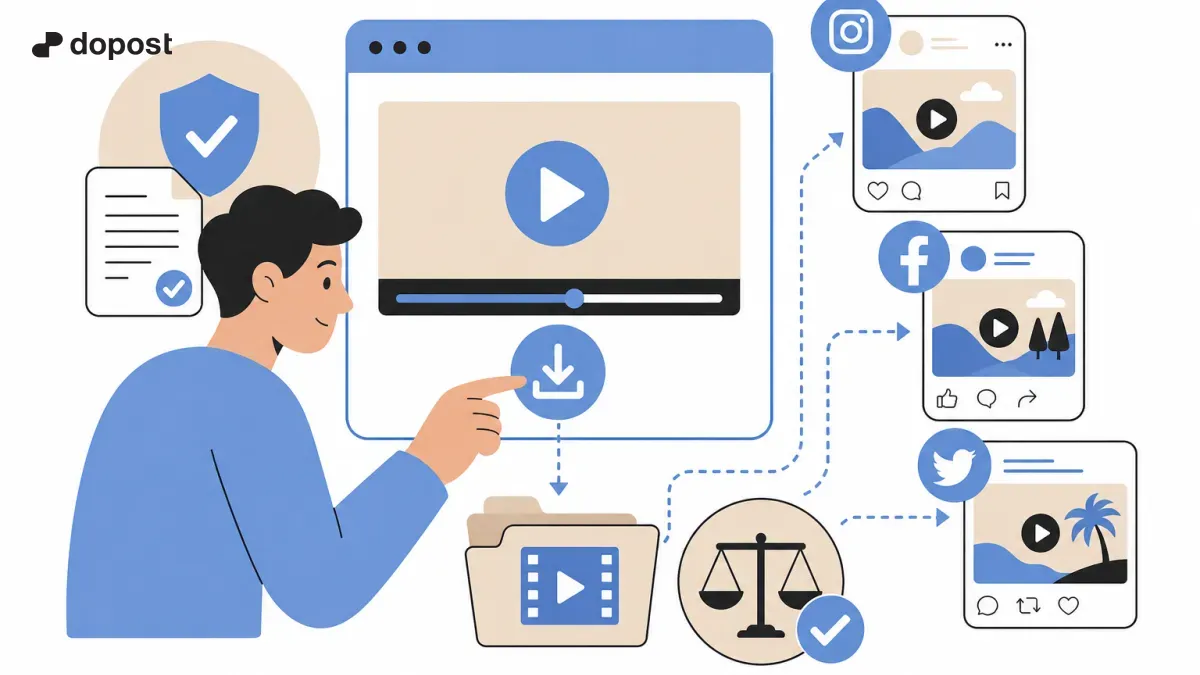
For Facebook, Instagram, and Twitter there are specific methods and tools that comply with policies and operate safely.
For example, to download videos from Facebook or Instagram you can use reliable applications that do not require personal data and offer clear usage agreements.
If you use Twitter videos, remember that many are ephemeral or personal content, so it is worth asking for permission before reusing them.
Here you can consult our article dedicated to how to download videos from Instagram safely and legally, a useful resource for these cases.
- Use specialized apps and services for each platform.
- Check that the tools respect your privacy and security.
- Request permissions for sensitive or personal content.
- Check specific tutorials for each network, such as Instagram or Facebook.
Frequently Asked Questions about Downloading YouTube Videos
Can I download any video from YouTube?
No, you can only download videos whose license allows it or those for which you have permission from the creator. Downloading protected videos without authorization goes against YouTube's terms and may be illegal.
Is it safe to use programs to download videos?
Yes, as long as you use trusted programs or services that do not contain malware and respect your privacy. Avoid suspicious applications that request excessive permissions or have bad reviews.
Can I use downloaded videos for commercial social media?
Only if you have the explicit permission of the creator or if the video has a license that allows commercial use. Otherwise, it could be considered a copyright violation.
Conclusion and final recommendations
Downloading YouTube videos can be a great tool to enhance your content on social media, as long as you do it legally and respectfully.
Use the recommended platforms and verify licenses or permits to avoid legal issues.
Combine the downloaded content with your own creations to maintain authenticity and originality in your posts, thereby enhancing your reach and engagement with the audience in 2026 and beyond.