How to Choose and Use a Post Scheduler for Instagram That Really Saves Time
Managing posting on Instagram can be very time-consuming, especially when you handle multiple accounts or social networks.
A post scheduler simplifies this task and allows you to plan your content in advance.
In this practical guide, we tell you how to choose the best Instagram post scheduler and how to use it to save real time.
What is an Instagram post scheduler and how does it save time?
A post scheduler is a tool that allows you to create, organize, and schedule your posts to be automatically published on Instagram at the time you choose.
This eliminates the need to publish manually each time, freeing up hours of weekly work.
Additionally, many of these tools incorporate social media publishing automation features, integrating other channels to manage everything from a single place.
- Advanced planning: schedule up to weeks of content at once.
- Automatic posting: posts go out on their own without you having to intervene.
- Centralized management: some schedulers allow handling multiple accounts or social networks on the same platform.
Main characteristics that a good programmer should have for Instagram
Not all programmers are the same, and depending on your needs, some features will be more important.
Here are the essential characteristics for a programmer to truly make your work easier:
- Ability to schedule posts, Stories, Reels, and carousels.
- Intuitive and easy-to-use interface to avoid wasting time learning.
- Options to preview the feed and adjust the visual order of the posts.
- Ability to schedule weeks or months in advance.
- Support for multiple accounts and profiles, ideal for agencies or brands with several pages.
- Alerts and notifications to keep track of the publishing calendar.
- Basic reporting to analyze which posts were executed as scheduled.
How to choose the best tool to schedule posts on Instagram
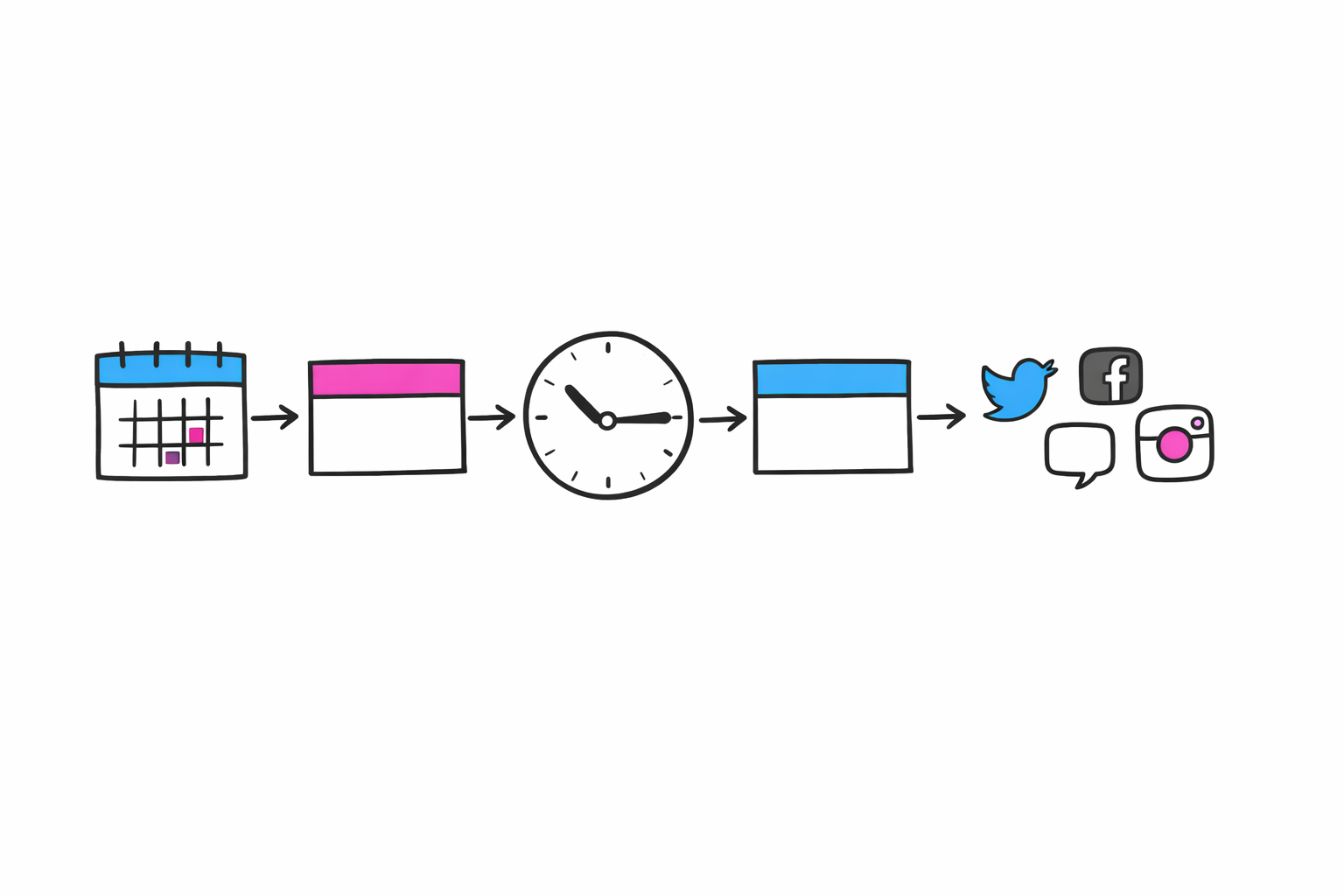
To make the right choice, follow these clear and practical steps:
- Define your needs: Do you post only on Instagram or on several networks? Do you manage one or multiple accounts?
- Try the free options or demos: tools like Buffer, Later, or Planoly offer free or demo plans for you to try risk-free.
- Evaluate if you need professional features such as advanced automation or integrated analytics.
- Consider the budget: some tools charge per account, per post, or for extra features.
- Check compatibility with your workflow, for example, if you need to integrate with Canva, Google Drive, or ecommerce platforms.
- Read updated reviews and check opinions from real users.
Practical steps to use an Instagram scheduler and save time today
Once you have chosen your tool, applying a good usage system is key to maximizing time savings.
Here we show you a recommended workflow:
- Gather all your content (images, videos, and texts) in an organized folder.
- Define a weekly or monthly publishing schedule (days and times according to your audience).
- Load the content in batch within the scheduler, assign date and time to each post.
- Use preview functions to see how your feed looks as a whole and adjust if necessary.
- Activate notifications to receive alerts if something fails or if you need to add extra content.
- Monitor the results periodically to improve the strategy in future planning.
- Combine this routine with batching techniques to create content in focused and undistracted sessions.
What are the best tools to schedule posts on Instagram in 2024?
In 2024, several robust options stand out that cater to different needs and budgets, including:
- Buffer: easy to use, with a free plan and the ability to schedule multiple formats on Instagram.
- Later: with a large visual preview of the feed and support for Stories and Reels.
- Planoly: ideal for those looking for design and visual organization of content.
- Hootsuite: for those who manage multiple social networks and require more advanced analytics and team features.
- Adobe Express: integrates the content calendar with the ease of quick creation and scheduling.
- Each one has trial versions to explore, and many allow integration of automation for other social networks.
Frequently Asked Questions About Instagram Post Schedulers
Is there an official scheduler for Instagram?
Instagram allows scheduling posts through its official API, used by many tools such as Buffer or Later; however, the Instagram app does not include a native built-in scheduler for all users.
What is the best time to schedule posts on Instagram?
The best time depends on your audience and sector. Ideally, you should base it on your own data analysis and testing, rather than generic schedules. You can learn more in our article about data-driven timing for Instagram.
What is social media posting automation?
It is the process that allows planning and scheduling content to be published automatically, including actions such as reposts or automatic responses, facilitating management and saving time.
Can I schedule Stories and Reels on Instagram?
Yes, many modern tools allow scheduling Stories and Reels automatically or with notifications to post manually, depending on Instagram's policies and the tool used.
Summary and next steps to optimize your management on Instagram
A post scheduler is essential to save time and improve your presence on Instagram.
Choosing a tool that suits your needs and using it following a defined routine maximizes the benefits.
Complementing the scheduler with batching strategies and schedule analysis will further enhance your efficiency and results on Instagram.