Strategies to Create Effective Carousels on Instagram That Increase Reach and Conversion
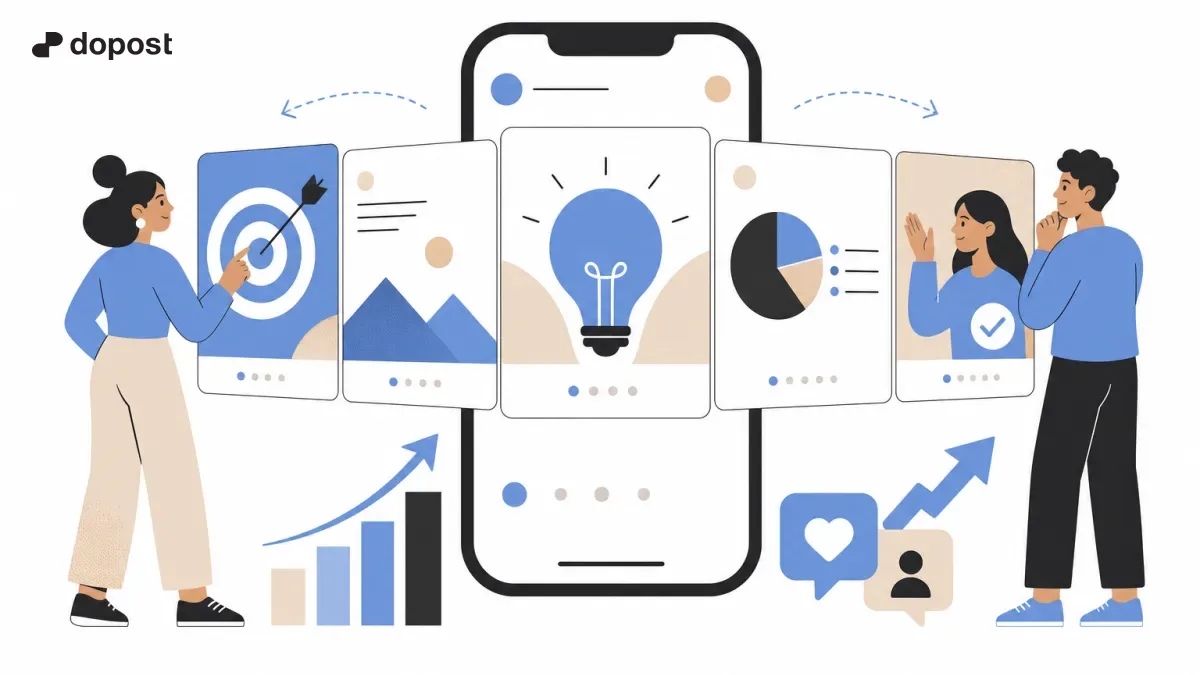
Carousels have established themselves as one of the most powerful formats on Instagram to increase reach and encourage interaction.
This type of post allows combining images or videos sequentially, making it easier to tell stories, explain complex topics, and guide the audience towards a specific action.
Despite its great popularity, it is not always easy to create carousels that truly stand out and meet their objectives in 2026, especially with the constant changes in trends and algorithms.
In this practical guide, you will learn clear and actionable strategies to design effective carousels that capture attention, communicate clearly, and convert.
What is a carousel on Instagram and why use it?
An Instagram carousel is a post composed of multiple images or videos that users can swipe horizontally up to a maximum of 10 slides.
This format allows creators and brands to present more complete and narrative content, leveraging the visual interest and user interactivity.
The main advantage of carousels is their ability to generate more viewing time and increase audience retention, two key factors to improve reach under the current algorithm.
Additionally, carousels can drive different actions, such as saving the post, sharing it, or commenting, elements that increase engagement and visibility organically.
- They allow explaining complex topics step by step.
- They facilitate telling stories or processes in a visual and sequential way.
- Interaction and reach metrics improve due to longer time spent on the publication.
- They encourage saves and shares, which enhances virality.
Effective ways to structure content in Instagram carousels
The content structure is decisive for a carousel to work well. Here are some popular and proven structures in 2026:
1. Introduction – Development – Conclusion: Start with a key phrase that hooks, explain the topic in several slides, and end with a clear call to action.
2. Problem – Solution: Present a common problem and then offer the step-by-step solution.
3. Lists or tips: Enumerate advice or practical ideas with graphics or icons to facilitate reading.
4. Before and after: Show the transformation or result to boost aspiration and confidence.
Using short texts, clear paragraphs, and graphic resources facilitates understanding and maintains interest.
- Keep each slide focused on a single message.
- Use complementary visuals to reinforce the textual information.
- Include clear calls to action in the last slides.
- Use icons and graphics to guide the reading.
Design and Instagram formats for carousels that captivate
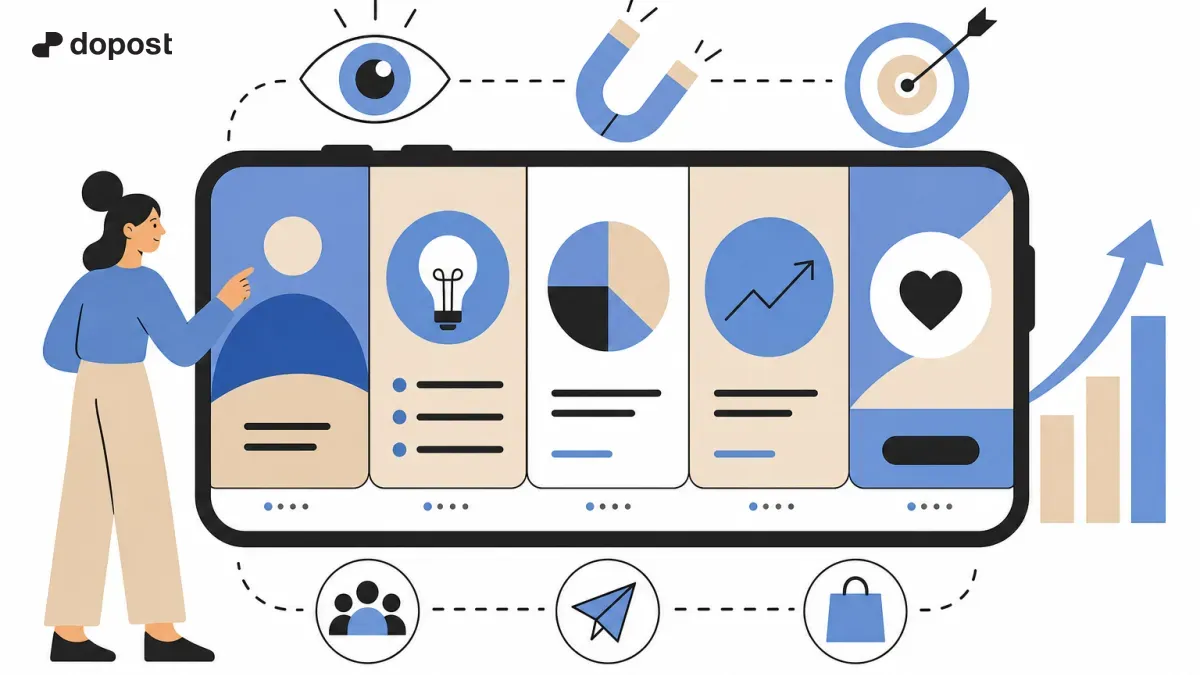
To capture attention in the saturated feed, the design must be visually appealing and consistent.
Trends in Instagram carousel formats for 2026 include the use of brand colors with well-thought-out contrasts, legible typography, and clear visual hierarchy.
Additionally, it is effective to adapt the design to mobile devices by considering how slides are swiped and read on small screens.
Some practical tips: use visual transitions between slides to create continuity; integrate high-quality images; and balance text spaces and graphic elements to avoid overcrowding.
- Use a consistent and attractive color palette.
- Make sure the text is easily readable on mobile.
- Create smooth transitions that invite sliding to the end.
- Include visual elements that reinforce your message, such as icons or illustrations.
Tools and resources to easily create carousels
There are numerous tools that facilitate the creation of carousels without the need to be an expert in design.
Some popular options include Canva, Figma with its specific templates for carousels, and specialized AI-based tools that quickly create designs and texts.
It is advisable to take advantage of pre-designed templates to save time, but always customize them to maintain your own identity and content relevance.
For downloading images or videos that complement the carousel, there are secure methods to obtain content respecting rights, important to avoid legal issues.
- Canva: easy and customizable templates.
- Figma: advanced design with carousel templates.
- AI tools to generate quick texts or designs.
- Resources to download safe and legal images and videos.
How to optimize your carousels to increase conversion
The ultimate goal is usually for the user to take an action, whether it is to follow the account, visit a link, or comment.
To boost conversion in carousels, it is key to include clear calls to action at the end or in intermediate slides, such as "Swipe to discover more," "Save this post," or "Comment your opinion."
Another effective strategy is to ask questions within the carousel to activate interaction or propose challenges and dynamics.
Additionally, using relevant hashtags, posting during peak activity times, and leveraging the first seconds of the carousel to engage will boost performance.
- Incorporate visible and direct calls to action.
- Generate interaction with questions or challenges.
- Use strategic hashtags and trending topics.
- Post at times when your audience is most active.
Frequently asked questions about carousels on Instagram
What are carousels?
They are Instagram posts that contain multiple images or videos that can be swiped horizontally, allowing for sharing more complete content in a single post.
Where to create free carousels?
You can create carousels for free using tools like Canva and Figma, which offer templates and designs specific to this format, accessible and easy to use for all levels.
What are Instagram carousels?
They are a format within Instagram that allows users to upload between 2 and 10 images or videos in a single post to tell stories, explain topics, or showcase products in a visual and sequential way.
What is the plural of carousel?
The correct plural is "carruseles," a word used to refer to several of these publications or shows.
Summary and next steps for your carousels
Creating effective carousels on Instagram is a key strategy to increase your reach and improve conversion in 2026.
The combination of a clear structure, attractive design, and relevant calls to action will make your posts stand out in the feed and connect with your audience.
Take advantage of modern tools to simplify your creation and stay attentive to current trends to constantly adapt your content, ensuring better results with less production time.