Practical Guide for Meta Ads Beginners: How to Create Effective Campaigns with a Low Budget
Meta Ads is the key tool for any small business or content creator who wants to leverage social media advertising without investing large sums. In this practical guide, you will learn how to start your first campaign, optimize it, and maximize results, even with a limited budget.
Many beginners feel that digital advertising is complex or costly. However, with the right strategy and a good basic knowledge, you can achieve excellent results with small investments. Here we explain how.
What is Meta Ads and why use it?
Meta Ads is the advertising platform that integrates Facebook, Instagram, Messenger, and WhatsApp, allowing the creation of ads that reach personalized audiences on these networks.
Using Meta Ads is especially useful because you can target precisely, control your budget, and measure results in real time. This makes it possible for small businesses or creators to start with little money and scale gradually.
- Reach millions of active users on Facebook and Instagram.
- Segment your target audience by interests, location, age, and more.
- Set daily or total budgets to control expenses.
- Access detailed reports to learn and adjust your campaigns.
First steps to create your campaign on Meta Ads
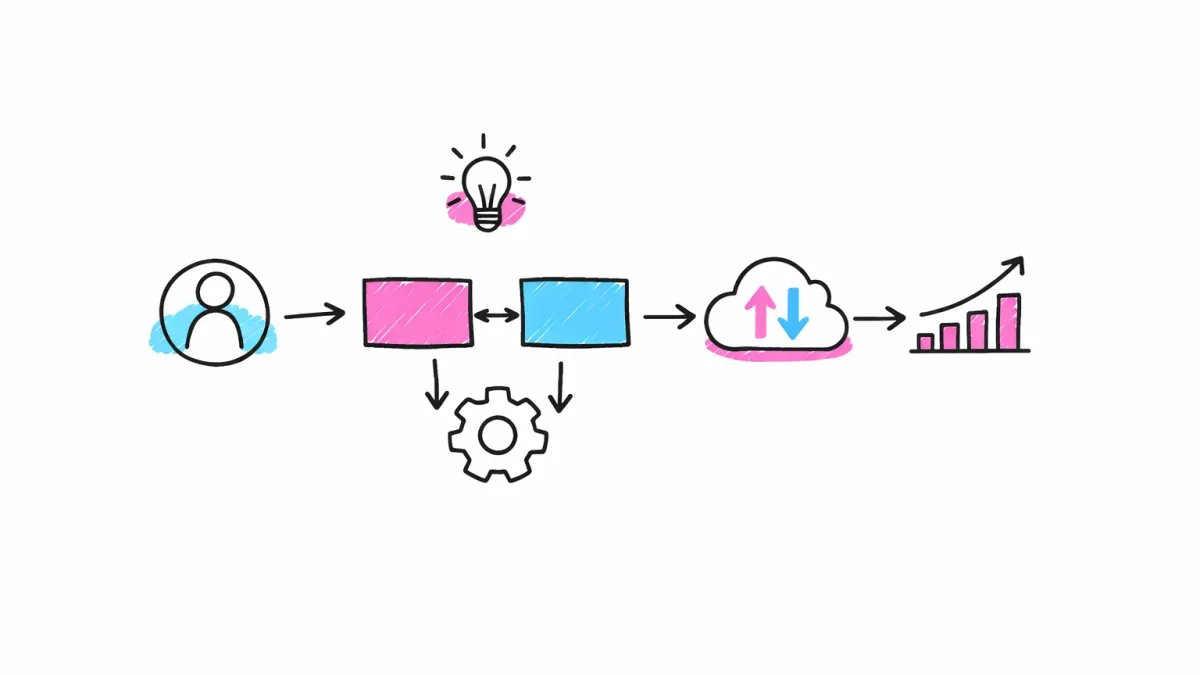
To get started, you must create an account on Meta Business Suite and access the Ads Manager. There you can choose the objective of your campaign, for example: increase visits, generate sales, or gain followers.
It is essential to select a goal that aligns with your business objectives, as Meta will optimize the delivery of your ads based on that.
Then, define your ideal audience, which can be as specific or broad as you need. You can base it on demographics, interests, behaviors, and existing connections with your page or profile.
- Open Meta Business Suite and create a business account.
- Select a clear and measurable objective for the campaign.
- Define audience segmentation with judgment and common sense.
- Set a budget that you can manage comfortably.
How to Design Attractive Ads for Facebook and Instagram
Your ad must capture attention with a high-quality image or video and clear, direct, and convincing text.
Use a call to action that invites interaction, such as “Buy now,” “Discover more,” or “Register for free.”
On Instagram, in addition to posts, ads in stories have a great impact due to their dynamic format and limited time.
- Choose images or videos that reflect your brand and product.
- Write short and powerful texts with clear benefits.
- Include a visible and motivating call to action.
- Try different formats to see which one connects best.
Maximize results with a low budget
With low budgets, the key lies in continuous optimization. Monitor performance and adjust according to the metrics offered by Meta Ads, such as cost per click or conversion rate.
Start with small campaigns and only increase the budget when you see positive results.
Use techniques such as detailed segmentation and retargeting to avoid wasting impressions and show ads only to those who are most likely to buy or interact.
- Monitor the performance of your ads daily.
- Adjust the target audience by removing ineffective segments.
- Test different ads to find out which one works best.
- Use retargeting to reach users who were previously interested.
Frequently Asked Questions about Meta Ads
What is Meta Ads and what is it used for?
Meta Ads is Meta's advertising platform that allows creating ads on Facebook, Instagram, Messenger, and WhatsApp, helping businesses reach specific audiences and boost their sales or visibility.
How does Meta Ads charge you?
Meta Ads charges based on the budget you set and the results obtained, such as impressions or clicks. You can set daily or total limits to control spending.
Which is more effective, Google Ads or Meta Ads?
Effectiveness depends on the objective and audience. Meta Ads is ideal for reaching users on social networks and creating engagement, while Google Ads is strong for capturing direct demand in search engines. Both can complement each other.
How to Use Meta Ads for Beginners?
The most important thing is to start with clear objectives, select your audience well, create attractive ads, and constantly optimize based on the results. It is recommended to start with a small budget and learn along the way.
Conclusion
Meta Ads offers a great opportunity for small businesses and content creators to leverage social media advertising without the need for large investments.
By following this practical guide, you will be able to create effective campaigns, learn how to optimize your budget, and achieve the best possible results from the start.
Remember that the key lies in clear objectives, attractive ad design, and constant optimization based on real data.