Reliable and legal ways to download Instagram photos to use in your content
Downloading Instagram photos is a common practice for content creators, agencies, and small businesses looking to enhance their posts or campaigns. However, doing so safely and legally requires knowing methods that respect the platform's policies and copyright laws.
This article will guide you through several reliable and legal options to download Instagram photos, explaining how to use them properly in your content without violating rules.
Additionally, we include practical advice to protect your work and that of others, essential for maintaining a good reputation and avoiding legal issues.
Is it legal to download photos from Instagram?
Downloading photos from Instagram can be legal or illegal, depending on how you use them and whether you have the author's permission. Instagram is a platform that protects intellectual property rights and its policies prohibit unauthorized downloading and use of content.
To avoid problems, always consider that images are protected by copyright, and their use without authorization may involve legal infringements.
The safest option is to obtain explicit permission from the creator before downloading and reusing their image. There are also image databases with free licenses or permissions that you can use as an alternative.
If you are going to use Instagram photos in a commercial or mass context, it is especially important to make sure you comply with these rules.
Additionally, the download for personal use or study usually has more flexibility, but not for distribution or public publication.
- Obtaining permission from the author is the basic rule for reusing photos.
- Always check the licenses or usage permissions if they are available.
- Avoid downloading private or protected content without authorization.
- Use images with free or own licenses for commercial projects.
Reliable Methods to Download Instagram Photos
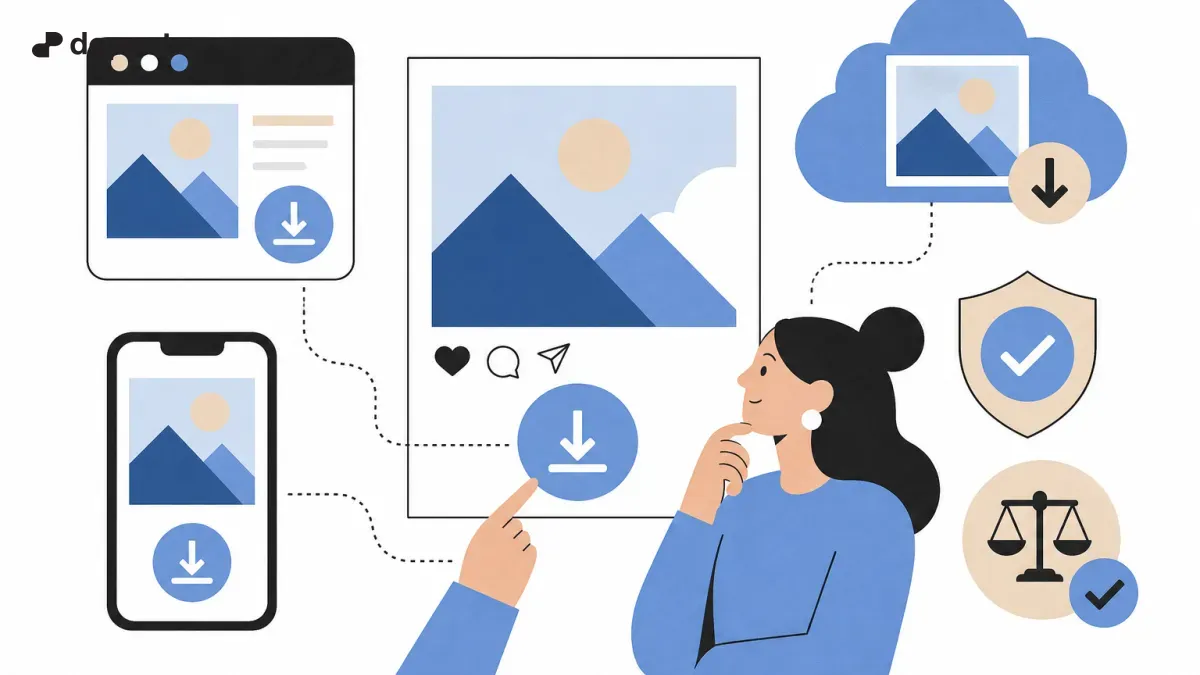
There are simple tools and methods to reliably and safely download Instagram photos. Here we show you the most effective ones in 2026:
- Use Instagram's official feature to save images within the app (for offline use, not for re-posting).
- Specialized web tools that allow downloading images through the photo's public URL.
- Reliable mobile applications that respect Instagram's policies and do not introduce viruses or malware.
- Download from the Instagram web version using manual processes to obtain the image in high resolution.
- Contact the owner of the photo to share the original or grant permission for its use.
How to download Instagram photos step by step with web tools
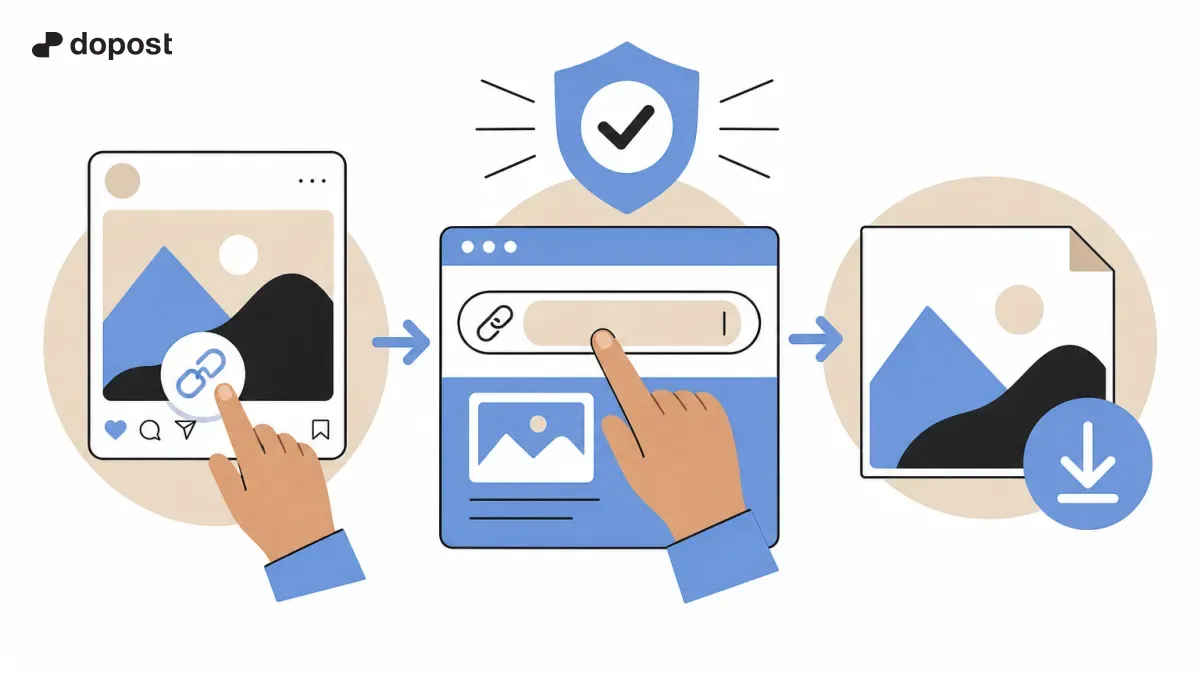
A common and simple way to download photos is to use online tools. Here's how you can do it:
- Open Instagram and find the photo you want to download.
- Click on the three dots of the post and select "Copy link".
- Visit a reliable Instagram image download website, such as SaveInsta, DownloadGram, or similar, recognizing their security.
- Paste the copied link into the indicated field and press get the photo.
- Select the option to download the image in the highest available resolution.
- Save the photo to your device to use it in your content, remembering to respect the creator's rights.
Tips for Using Downloaded Instagram Photos Legally
Downloading the image is just the first step. For proper use, keep in mind:
- Always ask the creator for permission to avoid legal issues.
- Give credit or mention to the original author when you consider it possible and ethical.
- Check the licenses and terms of use, especially if it is commercial content.
- Avoid modifying images without authorization if they are protected.
- Consult with a legal professional if you have questions about copyright and specific uses.
- Additionally, you can complement your strategy with royalty-free images for greater freedom and security.
Alternatives to obtain images for your content
If downloading images from Instagram is not feasible or safe, other options are:
- Use free image banks, for example Unsplash, Pexels, or Pixabay.
- Create your own photos or hire photographers for exclusive content.
- Request collaboration from influencers or creators for shared use.
- Use content under Creative Commons licenses with proper attribution.
- Implement graphics and resources designed specifically for your brand.
Recommended tools to manage Instagram photos
For creators and agencies managing multiple accounts, these platforms help to manage, download, and schedule content while respecting policies:
- Metricool: analysis and scheduling with options to monitor content.
- Hootsuite: multiple network management with secure handling of visual content.
- Canva Pro: creation and organization of images, as well as integration with Instagram.
- Later: visual planning and secure download for posts.
- These tools make it easier to maintain an efficient strategy without legal risks when reusing photos.
Frequently asked questions about downloading photos from Instagram
Can I download any photo from Instagram and use it freely?
No. Most photos are protected by copyright. You must obtain permission from the author before downloading and reusing their content, especially for commercial purposes.
Are there legal tools to download images from Instagram?
Yes, there are reliable tools and websites that allow downloading public photos while respecting Instagram's regulations, but it is always crucial to use the images with authorization.
How can I protect myself from infringing copyright?
Always ask for permission, give credit when possible, avoid unlicensed commercial uses, and consider using your own images or royalty-free stock for your content.
Can the photos I save within Instagram be used outside the app?
No. The save function on Instagram is only for personal use within the platform and does not authorize reposting or reusing the content on other channels.
Summary and Best Practices for Downloading Instagram Photos
Downloading Instagram photos to use in your content is possible and useful, as long as you follow reliable methods and respect intellectual property laws.
Before downloading, confirm that the image is public and obtain permission from the author to avoid legal and ethical issues.
Use verified tools to download images safely and maintain transparent communication with creators whenever possible for successful and legal collaborations.